





Budget Inserts For Happy Planner Overview
The Art of Budgeting: Mastering Your Finances
Understanding the Basics of Budgeting
Budgeting is the foundation of financial health. It involves tracking income, categorizing expenses, and allocating funds to meet both short-term needs and long-term goals. A well-structured budget ensures you live within your means, save consistently, and avoid debt. The core principle is simple: spend less than you earn. However, the execution requires discipline and a clear plan.
Start by listing all sources of income, including salary, side gigs, or investments. Next, categorize expenses into fixed (rent, utilities) and variable (groceries, entertainment). Use tools like spreadsheets, apps, or notebooks to track spending. The 50/30/20 rule is a popular framework: 50% for needs, 30% for wants, and 20% for savings and debt repayment.
Creating a Realistic Budget Plan
A realistic budget aligns with your lifestyle and financial goals. Begin by analyzing past spending to identify patterns. For instance, if you spend $400 monthly on dining out, allocate that amount but consider reducing it gradually. Prioritize essentials like housing and food before discretionary spending.
Worked Example:
Imagine your monthly income is $4,000. Using the 50/30/20 rule:
- Needs (50%): $2,000 (e.g., $1,200 rent, $300 utilities, $500 groceries).
- Wants (30%): $1,200 (e.g., $400 dining, $300 entertainment, $500 shopping).
- Savings/Debt (20%): $800 (e.g., $500 emergency fund, $300 student loan).
Adjust categories based on your priorities. For example, if you’re saving for a house, reduce wants and increase savings.
Common Mistake: Overestimating Income or Underestimating Expenses
A frequent error is assuming consistent income or overlooking irregular expenses. For instance, freelancers might base their budget on a high-income month, only to struggle during slower periods. Similarly, forgetting annual expenses like insurance premiums can derail your plan.
Fix: Use your lowest consistent income as the baseline. For irregular expenses, divide the annual cost by 12 and set aside that amount monthly. Example: A $600 annual car insurance policy requires saving $50 monthly.
Tracking and Adjusting Your Budget
Budgeting isn’t a set-it-and-forget-it task. Regularly monitor your spending to ensure you stay on track. Weekly check-ins help catch overspending early. If you consistently exceed a category, reassess its allocation or cut back in another area.
Tools for Effective Budgeting
Leverage technology to simplify budgeting. Apps like Mint, YNAB, or Excel templates automate tracking and provide insights. For manual tracking, a notebook or bullet journal works well. The key is consistency—choose a method that fits your lifestyle.
Budgeting for Irregular Income
If your income varies, budgeting requires extra planning. Calculate your average monthly income over the past year and use that as your baseline. Allocate funds to a savings buffer during high-income months to cover lows.
Example:
If your monthly income ranges from $2,500 to $4,500, average it to $3,500. Save the surplus during high-income months in a separate account.
Common Mistake: Neglecting Emergency Funds
Many budgets focus on daily expenses but ignore emergencies. Without a safety net, unexpected costs like car repairs can lead to debt.
Fix: Prioritize building an emergency fund covering 3-6 months of living expenses. Start small—even $20 weekly adds up over time.
Budgeting for Long-Term Goals
Incorporate long-term goals like retirement, homeownership, or education into your budget. Use retirement accounts (e.g., 401(k), IRA) and high-yield savings for specific goals.
Example:
To save $20,000 for a down payment in 5 years, allocate $333 monthly. Adjust for interest or investment returns if applicable.
Dealing with Debt in Your Budget
Debt repayment should be a priority. Use the debt snowball (pay smallest debts first) or avalanche (pay highest-interest debts first) method. Allocate at least the minimum payments in your budget, with extra funds toward high-interest debt.
Common Mistake: Ignoring Small Expenses
Daily coffee or subscription services can add up quickly. These small expenses often go unnoticed but significantly impact your budget.
Fix: Track every expense, no matter how small. Cut non-essential subscriptions and limit impulse purchases.
Budgeting as a Family
Family budgeting requires collaboration. Hold regular financial meetings to discuss goals and progress. Teach children about money management by involving them in budgeting decisions.
Example:
Allocate $100 monthly for family outings and let kids decide how to spend it within that limit.
Adapting Your Budget Over Time
Life changes—new jobs, marriages, or children—require budget adjustments. Review your budget quarterly to reflect new circumstances.
Common Mistake: Being Too Rigid
A budget that’s too restrictive leads to frustration and abandonment. Allow flexibility for occasional treats or unexpected needs.
Fix: Include a "miscellaneous" category for unplanned expenses or occasional indulgences.
The Psychological Aspect of Budgeting
Budgeting isn’t just about numbers; it’s about mindset. Celebrate small wins, like paying off a credit card, to stay motivated. View budgeting as a tool for freedom, not restriction.
Example:
Reward yourself with a movie night after sticking to your budget for three months.
Budgeting for Special Occasions
Plan for holidays, birthdays, or vacations in advance. Set aside a small amount monthly to avoid financial stress during these events.
Example:
For a $1,000 holiday budget, save $83 monthly starting in January.
Common Mistake: Relying on Credit for Budget Shortfalls
Using credit cards to cover budget gaps leads to debt accumulation. Interest charges compound the problem, making repayment harder.
Fix: Reduce expenses or increase income to cover shortfalls. If necessary, use a 0% interest credit card temporarily but pay it off before the promotional period ends.
Budgeting for Retirement
Start early to maximize retirement savings. Contribute to employer-matched plans and explore tax-advantaged accounts like Roth IRAs.
Example:
If your employer matches 5% of your salary, contribute at least that amount to get the full benefit.
Final Thoughts on Budgeting
Budgeting is a dynamic process that evolves with your life. Stay committed, be flexible, and focus on progress, not perfection. With time, it becomes second nature, paving the way for financial security and peace of mind.
Related: Names For Construction Essential Guide
I was chatting with a friend the other day about home renovations, and the topic of names for construction came up. It got me thinking about all the different aspects of the industry and how important names are in this field. So, let's dive in and explore what this phrase really means and why it matters.
Unraveling the Mystery: What's in a Name?
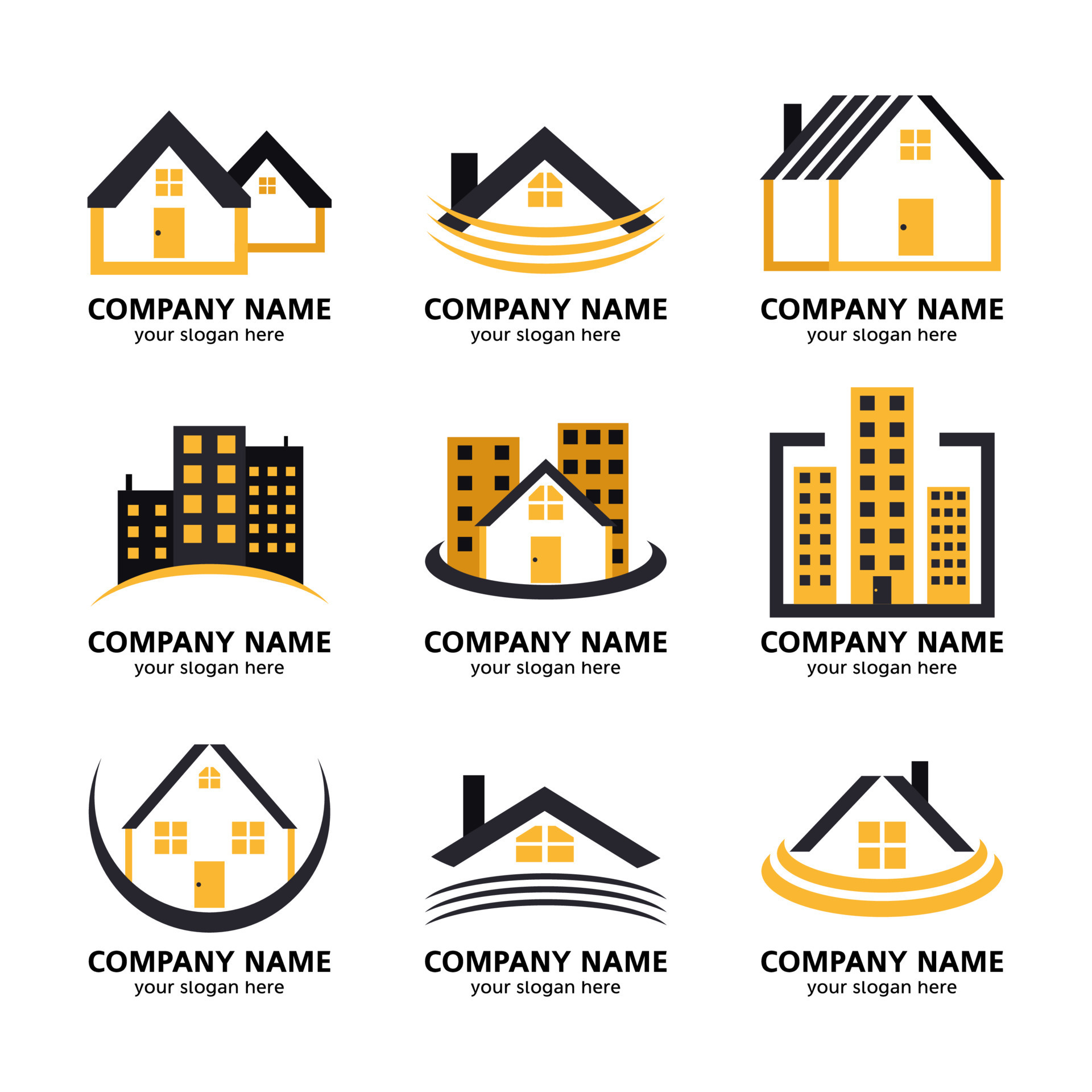
When it comes to construction, the name of a company or project can say a lot. It's often the first impression you get of a business and can give you an idea of their expertise and services. A good name can make a company stand out and leave a lasting impression. So, choosing the right name is crucial for any construction business or project.
The name should reflect the nature of the work and the company's values. It's a chance to showcase your unique selling point and attract the right clients. For example, a name like "Green Builders" might suggest an eco-friendly approach, while "Renovation Experts" could indicate a focus on home remodeling. The right name can help you find your niche and attract the right opportunities.
Naming Tips and Tricks
Coming up with a great name can be a challenge, but here are a few tips to get you started:
- Keep it simple and memorable. A short, catchy name is easier to remember and can be more effective.
- Consider using a combination of words that describe your business or services. For instance, "Build & Design" or "Remodel Masters."
- Think about your target audience and what they might find appealing. A name that resonates with your ideal clients can be a powerful tool.
- Check for availability and trademark issues. You don't want to choose a name only to find out it's already taken or has legal restrictions.
Here's a short list of some original name ideas to inspire you:
- BuildPro
- Constructo
- HomeCraft
- Renov8
- EcoBuild
- Structure Solutions
Construction Jobs and the Industry
The construction industry offers a wide range of roles and opportunities. From general contractors to estimators and project managers, there are various paths to explore. These jobs involve managing projects, estimating costs, and overseeing the entire building process. It's a dynamic industry with a lot of growth potential.
When it comes to salaries, it depends on the role, experience, and location. Construction jobs can offer competitive wages, and with the right skills and expertise, you can build a successful career. Many opportunities are available in cities like Houston, Atlanta, and San Francisco, where the construction industry is thriving.
Costs and Quotes: A Practical Guide
Understanding costs is essential when it comes to construction. The price of a project can vary greatly depending on factors like size, materials, and labor costs. It's always a good idea to get multiple quotes to compare and ensure you're getting a fair deal.
When comparing quotes, look beyond the price. Consider the scope of work, the company's reputation, and their experience. A lower price might not always be the best option if it means cutting corners or using lower-quality materials. Ask for references and check their previous work to get a sense of their quality and reliability.
Data and Tools: Behind the Scenes
In the construction industry, tools like RSMeans provide valuable data and cost estimates. These resources help professionals make informed decisions and plan projects effectively. RSMeans, for example, offers cost databases and escalation tools to account for potential price changes. It's a useful resource for contractors and estimators.
Wrapping Up
So, there you have it! Names for construction might seem like a simple phrase, but it covers a lot of ground. From naming your business to understanding the industry and its costs, there's a lot to consider. I hope this has given you some insights and inspired you to explore further. Remember, the construction industry is full of opportunities, and a great name can be your first step towards success.
Related: remove duplicates excel Easy guide for clean data
Ugh, duplicates in Excel. We've all been there, staring at a massive spreadsheet with rows and rows of data, only to realize there are multiple entries for the same thing. Remove duplicates Excel to the rescue! Let's get into how this handy feature works and why it's a lifesaver for anyone dealing with data.
So, you've got your Excel sheet open, and it's a mess of similar entries. Maybe it's a list of contacts, products, or sales data, and you need to clean it up. The "Remove Duplicates" feature is like a magic wand, but it's not as simple as clicking a button. You've got to set it up right to get the results you need.
First, let's talk about how Excel identifies duplicates. It looks at the values in the cells and compares them. But here's the catch: by default, it only checks the active column. So, if you have duplicate entries across multiple columns, you need to tell Excel which columns to consider. You do this by selecting the range of cells you want to check, then heading to the "Data" tab and clicking "Remove Duplicates." A pop-up will appear, showing you the columns Excel will check. Make sure to select all the relevant columns, and voila! You're on your way to a cleaner sheet.
Setting it Up: A Step-by-Step Guide
Now, let's get into the nitty-gritty. After selecting your range, click "Remove Duplicates," and that pop-up will appear. Here, you can choose which columns to check. But be careful! If you have multiple columns with similar data, Excel might remove entries you want to keep. For example, if you have a contact list with names and email addresses, and someone has the same name but a different email, Excel might see it as a duplicate and remove one entry. To avoid this, you can use a formula like =IF(ISERROR(MATCH(B2,$B$2:$B$100,0)),"","Duplicate") in a helper column. This formula checks if the email address in column B is a duplicate within the range B2 to B100. If it is, it returns "Duplicate"; otherwise, it leaves the cell blank. This way, you can easily identify and keep the entries you need.
Another tip: before removing duplicates, consider using conditional formatting to highlight potential duplicates. This way, you can visually inspect the data and make sure you're not losing important entries. Excel's "Conditional Formatting" feature lets you format cells based on their values, so you can quickly spot and address any issues.
Keeping Your Data Clean
Maintaining a tidy spreadsheet is crucial, and remove duplicates Excel is just one tool in your belt. Regularly review and clean your data to avoid messy formatting and broken cells. Use Excel's built-in tools like SUMIFS for quick calculations and XLOOKUP for finding specific values. These formulas, along with drop-down lists and other features, can keep your sheet organized and efficient.
In a nutshell, remove duplicates Excel is a powerful feature, but it's just one part of the Excel toolkit. With a bit of practice and these tips, you'll be a pro at managing your data and keeping your spreadsheets shipshape. So, next time you open that massive contact list, remember these tricks and tackle those duplicates like a boss!