





Estimate Template Word Doc Overview
Many users assume they need to download extra files to get rose flower cliparts in Office. In reality, the built‑in clip art library already contains them, and you can insert them directly into Excel or Word.
If you’re adding a graphic to PowerPoint or setting a background in Teams, just use the Insert Picture feature or the clip art browser. The same images are available across Microsoft 365 clip art, so you don’t have to search elsewhere. Depending on your version, the menu labels might vary slightly, but the process stays simple.
Insert picture Excel with rose flower cliparts
The built‑in clip art library already includes rose flower cliparts. You can insert them directly into Excel, Word, or PowerPoint without extra downloads.
In Excel, go to Insert > Picture > This Device, browse the clip art folder and select a PNG rose file. The same steps work in Word and PowerPoint using Insert > Pictures > Stock Images.
The Microsoft 365 clip art collection appears in all Office apps, so you can reuse the rose graphic across documents. Menu labels may vary, but Insert > Picture is the consistent entry point.
If the rose design doesn’t appear, ensure you’re online and signed into a Microsoft 365 account. This opens the online library where the rose images are stored.
For faster access, press Alt+N, P to open the Insert Picture dialog directly. You can also type “rose” in the search box to filter results instantly.
Clip art library requirements: version and account type
The clip art library is included with Office 2019 and Microsoft 365, so no separate download is required for rose flower designs. To use the online library you need a Microsoft 365 subscription and an internet connection; a free Microsoft account also works for the web version.
In corporate environments the online clip art feature can be disabled via policy. If the rose images are missing, ask IT to enable the Microsoft 365 clip art service.
If you’re on an older Office version such as 2016, the offline set may not contain the rose. You can still use the online library by signing in.
When you select the rose from the library, the file is a PNG that can be resized without loss of quality. You can then drag it onto any slide for a polished look with rose flower cliparts.
Step‑by‑step OneNote drawing with rose flower cliparts
To add a rose graphic in OneNote, open the app and choose Insert > Picture > This Device (or Stock Images for the online library). Browse to the clip art folder and select a PNG rose file.
Open OneNote and select the target page.
Click Insert > Picture > This Device (or Stock Images) and locate the rose PNG.
Select the rose file and insert it onto the page.
Resize or reposition using the picture handles as needed.
Save the page; the rose clip art is now part of your OneNote drawing.
If the rose doesn’t appear, confirm you’re online and signed into a Microsoft 365 account; otherwise the offline clip art may not include the design. You can also paste a copied rose image directly into OneNote for immediate use.
Signature image Outlook issues and fixes
When you add a rose clipart as an Outlook signature, the image may disappear or leave the signature blank. This often happens if the file size or format isn’t compatible.
- Signature image exceeds Outlook’s 30 KB size limit.
- File format isn’t supported (e.g., transparent GIF).
- Signature set to plain text only.
- Microsoft 365 clip art service disabled by policy.
To fix, resize the PNG under 30 KB, use a supported format like PNG or JPG, and switch the signature format to HTML or RTF. After saving, test the signature in a new message.
If the problem persists, verify you’re online and signed into a Microsoft 365 account; otherwise the rose image won’t load. After correction, the same rose clip art can be reused in other Office apps.
Slide design PowerPoint best practice with rose flower cliparts
The built‑in clip art library already includes rose flower cliparts, so you can insert them directly into PowerPoint without extra downloads. Use Insert > Pictures > Stock Images to browse the library.
Start with the high‑resolution rose from the Microsoft 365 clip art library for a clean slide design. This ensures the graphic looks sharp when projected.
If you use a custom rose, insert it via Insert > Picture > This Device, then set the picture’s fill to “Aspect Ratio” in Picture Format. Resizing this way prevents distortion.
Add the rose to the slide master’s header area so it appears on all new slides automatically. You can also copy the PNG to a shared folder for consistent branding across presentations.
Give it a go on a spare worksheet or a test slide first, just to be safe. If everything looks right, you can apply the same steps to your actual file. Menus might look a bit different depending on your version, but the ideas stay the same.
When you need this again, just bookmark the page and you’ll have it handy. Happy editing!
Related: Understand Destin Tide Chart: A Quick Guide
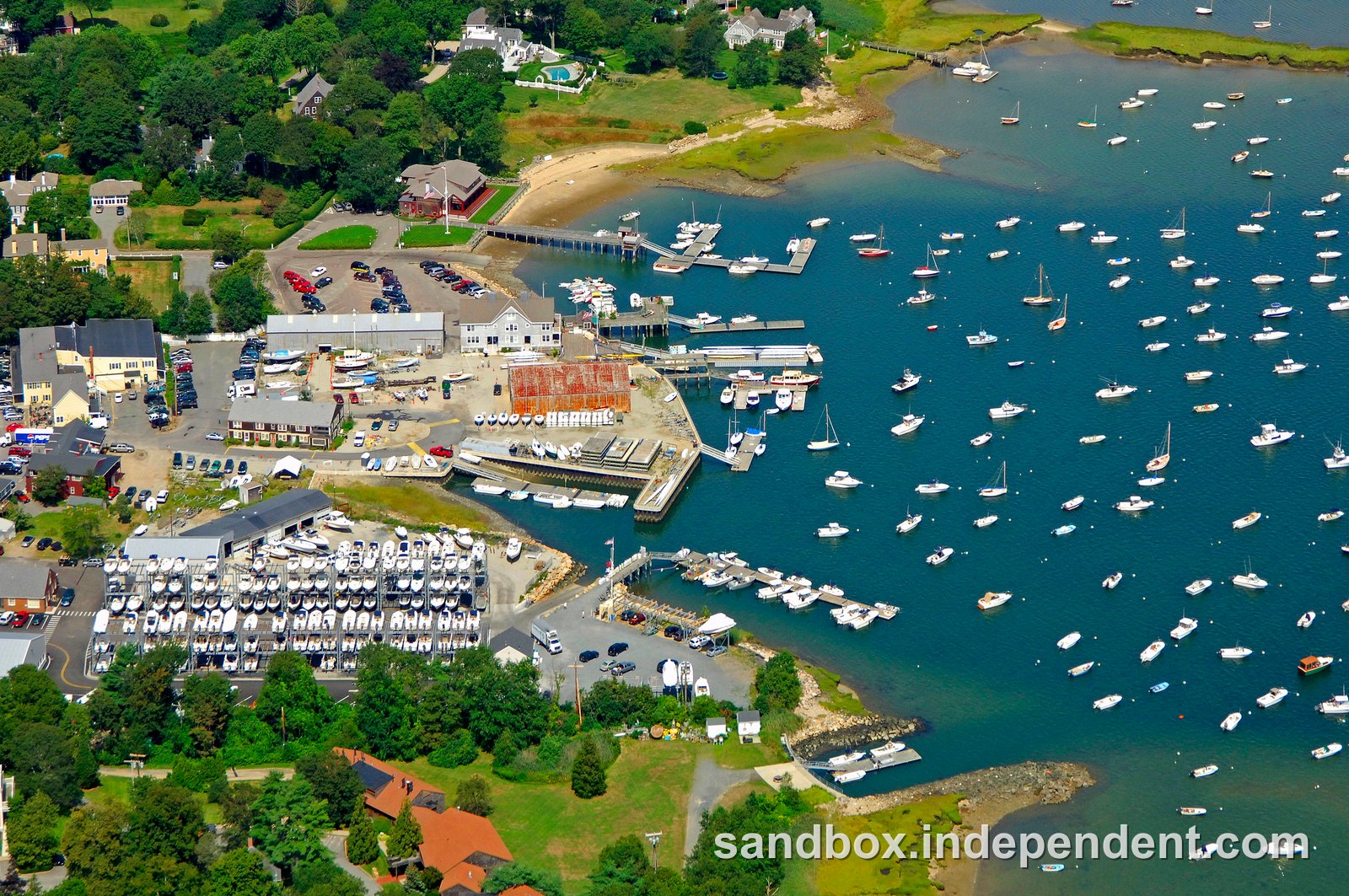
A destin tide chart is your handy tool for understanding the tides in this beautiful Florida destination. It's a simple yet powerful resource for anyone planning a day by the water.
This guide will show you how to read and interpret the chart's information, so you can make the most of your time on the Gulf of Mexico. From tide heights to current flow, we'll cover the basics, ensuring you're prepared for your next adventure.
Understanding Destin Tide Charts
The destin tide chart is a handy tool for anyone planning activities on the water or along the coastline. It provides a visual representation of the tides, showing when high and low tides occur and the corresponding water levels. This chart is especially useful for fishermen, boaters, and beachgoers who need to know the tide times and conditions to plan their activities.
Key Details and Categories
The destin tide chart typically displays the tide times and heights for a specific location, usually a coastal city or area. It shows the daily tide patterns, with times and heights for both high and low tides. The chart will often cover a few days, providing a forecast for planning purposes. The key categories to look out for are:
- High Tide Times: These are marked with a "H" or "HT" and indicate the times when the water level is at its peak.
- Low Tide Times: Marked with an "L" or "LT," these show when the water level is at its lowest.
- Tide Heights: This is the vertical distance between the high and low tide levels, often measured in feet or meters.
Reading and Applying the Tide Chart
To use the destin tide chart, follow these simple steps:
- Identify the date and time you plan to be on the water or at the beach.
- Locate the corresponding high and low tide times on the chart for that date.
- Consider the activity you have in mind. For fishing, you might want to aim for the highest high tide or the lowest low tide, as this can affect fish behavior and access to certain areas. For boating, you'll want to ensure there's enough water depth for your vessel.
- Check the tide heights to understand the water level conditions. This is especially important for activities like kayaking or paddleboarding, where shallow waters can be an issue.
- Plan your activity around the tide times and heights to ensure a safe and enjoyable experience.
Interpreting Variations
Tide charts can vary based on several factors. Here are some key considerations:
- Location: Different coastal areas experience unique tidal patterns due to geographical features and the shape of the coastline.
- Weather Conditions: Storms, winds, and atmospheric pressure can influence tide heights and times.
- Moon Phases: The gravitational pull of the moon affects tides, so full and new moon phases can result in higher high tides and lower low tides.
- Seasonal Changes: Tides can vary slightly with the changing seasons, especially in areas with significant temperature fluctuations.
Common Mistakes and How to Avoid Them
When using a destin tide chart, it's important to avoid these common pitfalls:
- Assuming Standard Times: Always double-check the time zone and daylight savings adjustments, especially if you're traveling to a new area.
- Ignoring Weather Effects: Be aware that extreme weather conditions can significantly impact tides. Check local weather reports for any alerts or advisories.
- Overlooking Seasonal Changes: If you're visiting during a different season, ensure you're using a recent tide chart that accounts for seasonal variations.
- Not Considering Location-Specific Factors: Research any unique geographical features or local conditions that might affect tides in your chosen area.
Remember, while the destin tide chart is a valuable tool, it's always a good idea to stay informed about local conditions and any potential changes that might impact your plans.
Hey there! I hope this guide has given you a clear understanding of the Destin tide chart and how to use it effectively. Remember, while the basics remain the same, the exact details might shift a bit based on your specific context or the source you're referring to.
So, the next time you need a quick tide reference, feel free to bookmark this page for a handy reminder. There are also plenty of other practical guides on various topics that might come in handy, so feel free to explore and discover more!
Related: Biggest Construction Companies In World Essential Guide
I was walking past a huge construction site the other day and it got me thinking about biggest construction companies in world. Who are these giants, and what do they do? Well, let's find out!
The Giants of Construction
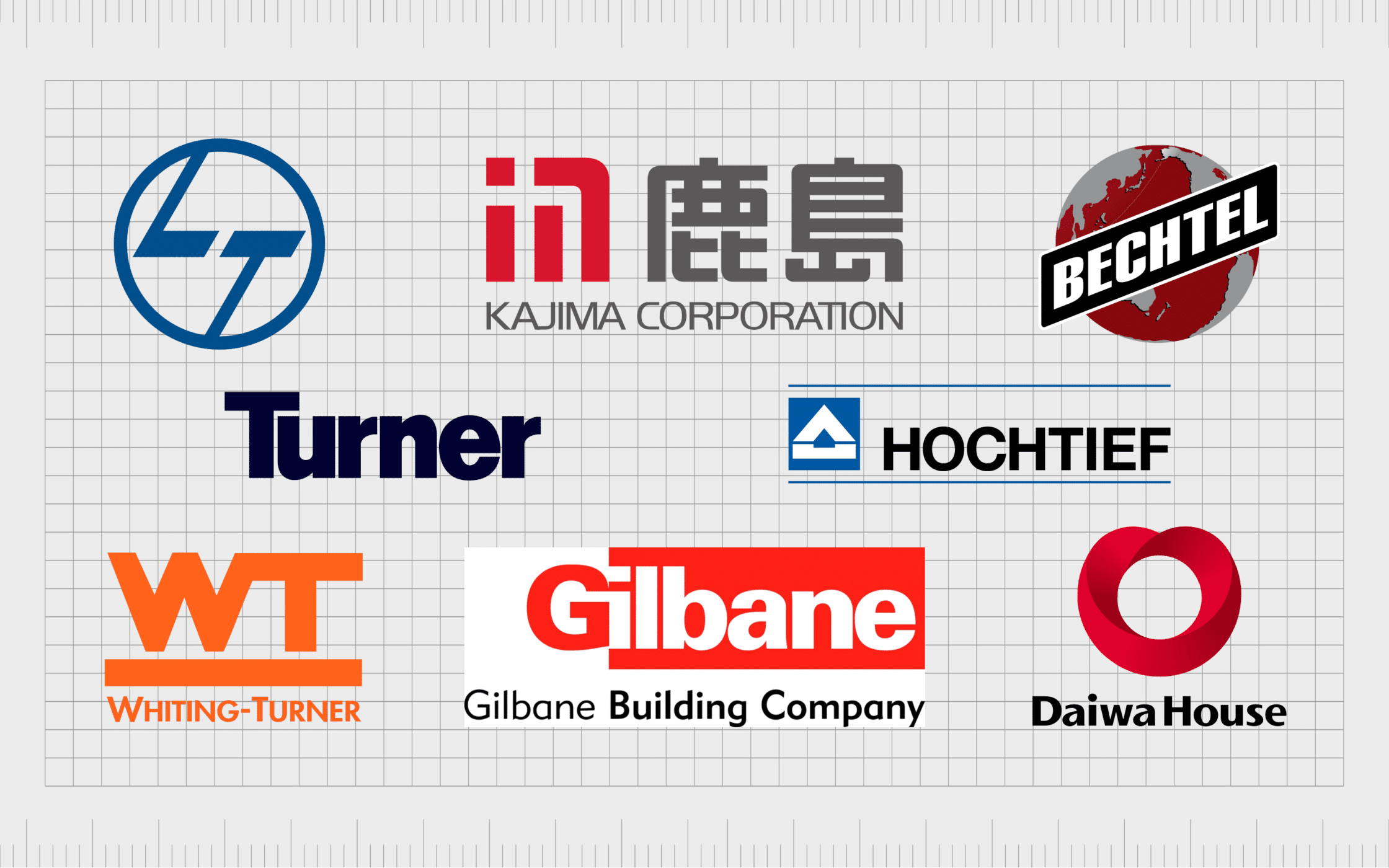
When we talk about the biggest construction companies in the world, we're referring to the global players in the industry. These are the firms that take on massive projects, often spanning multiple countries and continents. They're the ones building iconic skyscrapers, designing innovative infrastructure, and shaping our cities and landscapes.
So, what makes these companies so big? It's a combination of factors. They have the resources, the expertise, and the global reach to take on projects that smaller companies might find daunting. These firms often have a diverse range of capabilities, from architecture and engineering to project management and construction execution.
Practical Considerations
If you're considering hiring one of these giants for a project, there are a few things to keep in mind. First, they're likely to be more expensive than smaller, local companies. This is due to their overhead costs, the complexity of their operations, and the fact that they often have to source materials and labor from a variety of places.
However, their size also means they can offer certain advantages. They often have access to the latest technology and innovative solutions, and their vast experience means they can handle complex projects with ease. They also tend to have strong relationships with suppliers and subcontractors, which can streamline the process.
When comparing quotes, make sure to get detailed, written estimates. Ask about the scope of work, timelines, and any potential extra costs. It's also worth checking references and previous projects to get a sense of their quality and reliability.
Company Names and Branding
Naming a construction company is an art. It needs to be memorable, professional, and reflect the company's values and services. Some of the biggest construction companies have simple, powerful names that stick in your mind. For example, think of Bechtel, Vinci, or Laing O'Rourke.
If you're starting a construction business, here are a few name ideas to get you started:
- BuildMaster
- Constructo
- Skyrise
- TerraFirm
- BuildTech
- GlobalBuild
Remember to check name availability and register your business name locally to avoid any legal issues.
Industry Tools and Data
The construction industry relies on various tools and data sources to estimate costs, manage projects, and stay competitive. One such tool is RSMeans, a comprehensive cost database used by contractors and estimators to price projects accurately. It provides detailed information on materials, labor, and equipment costs, helping companies bid for projects confidently.
The Outlook
The construction industry is constantly evolving, and the biggest companies are at the forefront of this change. They're investing in technology, adopting sustainable practices, and finding innovative solutions to industry challenges. With a focus on efficiency, sustainability, and digital transformation, these companies are shaping the future of construction.
So, that's a glimpse into the world of the biggest construction companies. They're the giants of the industry, with the resources and expertise to take on the most ambitious projects. While they may not be right for every job, their size and capabilities offer a unique set of advantages.
If you're considering a major construction project, it's worth researching these companies and understanding their strengths and weaknesses. It's a fascinating industry, and these companies are the true leaders, shaping our world one project at a time.