



Flashcards For Spelling Overview
Many people mistakenly assume that all wood types provide the same heat output, but this is far from the truth. The wood btu chart is a valuable tool that dispels this myth, offering a clear, data-driven way to compare wood types and their energy content. This chart is a straightforward reference, presenting the heat output, or BTU (British Thermal Unit), of various woods, which helps you make informed choices about firewood selection and usage. While the exact values may vary slightly depending on factors like moisture content, the wood btu chart provides a reliable guide to understanding wood fuel efficiency and heat output per cord.
A Practical Guide to the Wood BTU Chart
The wood BTU chart is a valuable tool for anyone using wood as a fuel source. It provides a clear and concise reference for understanding the heating potential of different wood types. This chart offers a quick and easy way to compare the energy content of various woods, helping you make informed decisions about fuel efficiency.
Comparing Wood Types and Their BTU Values
The wood BTU chart typically presents a range of common wood species, each with its own heating value, measured in BTUs (British Thermal Units). You'll find familiar woods like oak, maple, and pine, each with its unique energy content. The chart may also include less common varieties, offering a comprehensive overview. These values represent the heat output per unit of wood, allowing you to compare the efficiency of different woods.
Step-by-Step Guide to Using the Wood BTU Chart
Using the wood BTU chart is straightforward. First, identify the wood type you are interested in. Then, locate it on the chart and note the BTU value. This value represents the heat energy released when burning a specific amount of that wood. For instance, if you're using oak, you might find it has a higher BTU value than softer woods like pine, indicating its superior heating potential. This simple process allows you to choose the most suitable wood for your needs.
Avoiding Common Misreadings and Pitfalls
It's essential to understand that the values on the wood BTU chart are approximate and can vary. Factors like moisture content and wood density can significantly impact the actual heating value. Wet wood, for example, will have a lower BTU output than dry wood of the same type. Always ensure the wood you're using is well-seasoned and has the standard firewood moisture content of around 20% for accurate results.
Key Factors Affecting Accuracy and Real-World Use
- Moisture Content: The moisture level in wood is a critical factor. Wet wood burns inefficiently and produces less heat.
- Wood Species: Different woods have varying natural densities and energy contents.
- Seasoning Time: Properly seasoned wood is essential for accurate BTU calculations.
- Cord Measurements: Ensure you understand the standard heat output per cord to make accurate comparisons.
- Regional Variations: Some charts may have regional differences, so check the applicable standards.
Remember, while the wood BTU chart is a valuable tool, it's just a guide. Always consider the specific conditions and requirements of your situation for the most accurate and efficient wood fuel use.
Your wood BTU chart is a handy tool, a quick reference guide to keep close by. It offers a simple yet effective way to compare and understand the energy content of different wood types, an essential step when planning your fuel sources.
Remember, while this chart provides a great starting point, it's always wise to double-check the specific requirements for your project or situation. Exact values can vary, so ensure you have the right data for your needs. Bookmark this page for future reference; it might just save you some time and effort down the line!
Related: How do I schedule email in Outlook for later delivery?
You just hit Send on an Outlook message and realized you need to schedule email outlook. The option works in most recent Outlook versions, though some steps may differ depending on your account type.
Open the email, click the three-dot menu, and choose Outlook send later to pick a date and time. After you set the time, the email will sit in the Outbox until it sends automatically.
Quick answer: use the send later option to schedule email Outlook (limits apply)
If you prefer a one‑time delay, the classic delayed delivery setting can be used instead of the newer Send Later option. It works the same way by placing the message in the Outbox until the chosen time.
The Send Later feature requires a Microsoft 365 or Exchange account; it is not available for POP/IMAP accounts. This limitation ensures the email server can handle the scheduled delivery.
You can schedule email Outlook by selecting the Send Later command from the message’s three‑dot menu. The option appears after you click the three‑dot icon in the compose window.
After you set the time, the email remains in the Outbox and is sent automatically at the scheduled moment. You can edit or cancel the schedule before it sends by opening the Outbox. If you change your mind, simply delete the message from the Outbox to cancel the scheduled send.
Methods compared by Outlook version and platform
New Outlook for Windows shows a Send Later button on the ribbon, while classic Outlook hides it behind the three‑dot menu. Both work the same way but the button location differs. The feature is available in all recent Outlook versions, including the web app.
Outlook for Mac shows the Schedule Send option in the compose window’s toolbar. The workflow is identical: pick a date and time, and the message waits in the Outbox.
In the Outlook web app, the Schedule send button appears below the message body, allowing you to pick a future date and time. This works for any Microsoft 365 or Exchange account signed in to the browser.
Exchange accounts support Send Later and delayed delivery; POP/IMAP accounts cannot schedule future sends. Ensure your account type matches the requirements before using it.
Step-by-step: use the Send Later option to schedule email Outlook
Follow these steps to schedule email Outlook using Send Later. The process works in Outlook for Windows, Mac, and the Outlook web app.
- Compose your message, filling in the recipient, subject, and body. This prepares the email for the scheduled send.
- Click the three‑dot menu (or the Send Later button) and choose “Send Later.” Selecting this option opens the date picker for scheduling.
- Select a date and time using the calendar picker for delivery. Confirming the selection sets the email to send at the chosen moment.
- Confirm your choice; the email will stay in the Outbox until the scheduled time. You can edit or cancel the schedule before it sends by opening the Outbox.
To change the time, open the Outbox, double‑click the message, adjust the date or time, and save. Cancelling means deleting the message from the Outbox.
Common mistakes and fixes for scheduled email Outlook
Choosing a time in a different zone than Outlook expects can cause the email to send too early or too late. Verify the picker shows your local zone.
Trying to schedule email on a POP/IMAP account will result in an error because the server cannot hold the message for later delivery. Switch to a Microsoft 365 or Exchange account to enable the feature. If you see an error, double‑check that your account is set to Exchange or Microsoft 365 email.
If Outlook is offline when the scheduled time arrives, the email will remain in the Outbox until connectivity is restored. Ensure your computer has an active internet connection before the scheduled send time.
Clicking the regular Send button instead of Send Later can send the message immediately. Double‑check the button label before confirming.
Prevent future issues with Outlook scheduled emails
Create a recurring reminder in your calendar to review scheduled messages the day before they send. This habit helps you catch changes in recipient availability or content updates.
Update Outlook to the latest release so Send Later works and receives fixes. Updates bring consistency across Windows, Mac, and web versions. Regular updates also improve security and performance.
For teams that schedule many messages, use Outlook on the web to batch schedule emails. The web interface shows all scheduled items in one view for easier management.
When you view the Microsoft 365 calendar, scheduled emails appear as reminder items, giving you a visual cue for upcoming deliveries. You can also add the Send Later command to the Quick Access Toolbar for faster access without opening the menu.
Try the steps on a test email first to see how they work in your own Outlook. If the menus look a bit different depending on your version, the basic process stays the same.
Bookmark this page for the next time you need to schedule a message. If anything doesn’t go as expected, the tips above should help you get it sorted.
Related: RSMeans Cost Data Essential Guide for Builders
RS Means Cost Data has been on my mind lately as I plan a home renovation project. It's an important step to get the right info before you start, so I wanted to learn more.
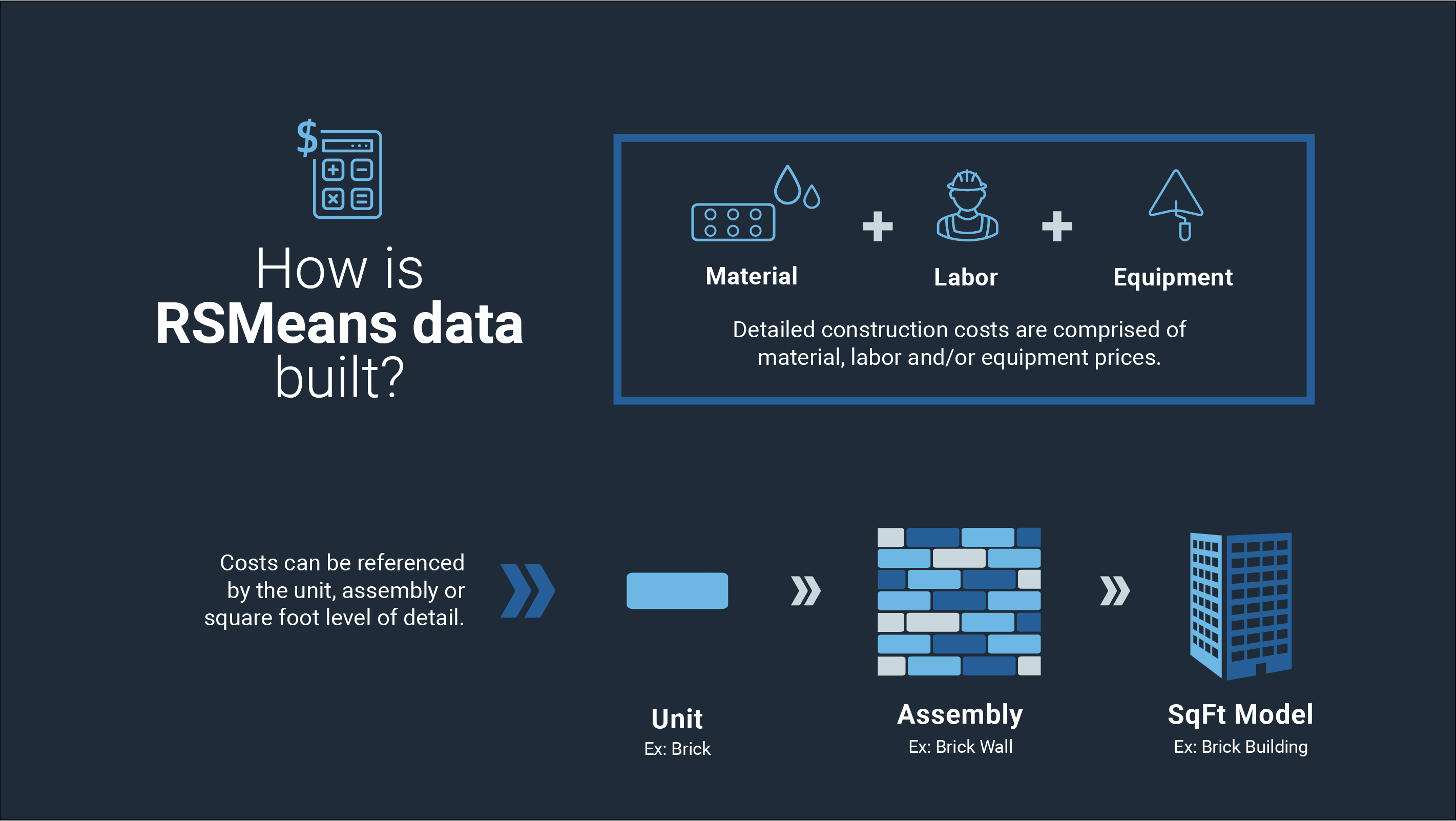
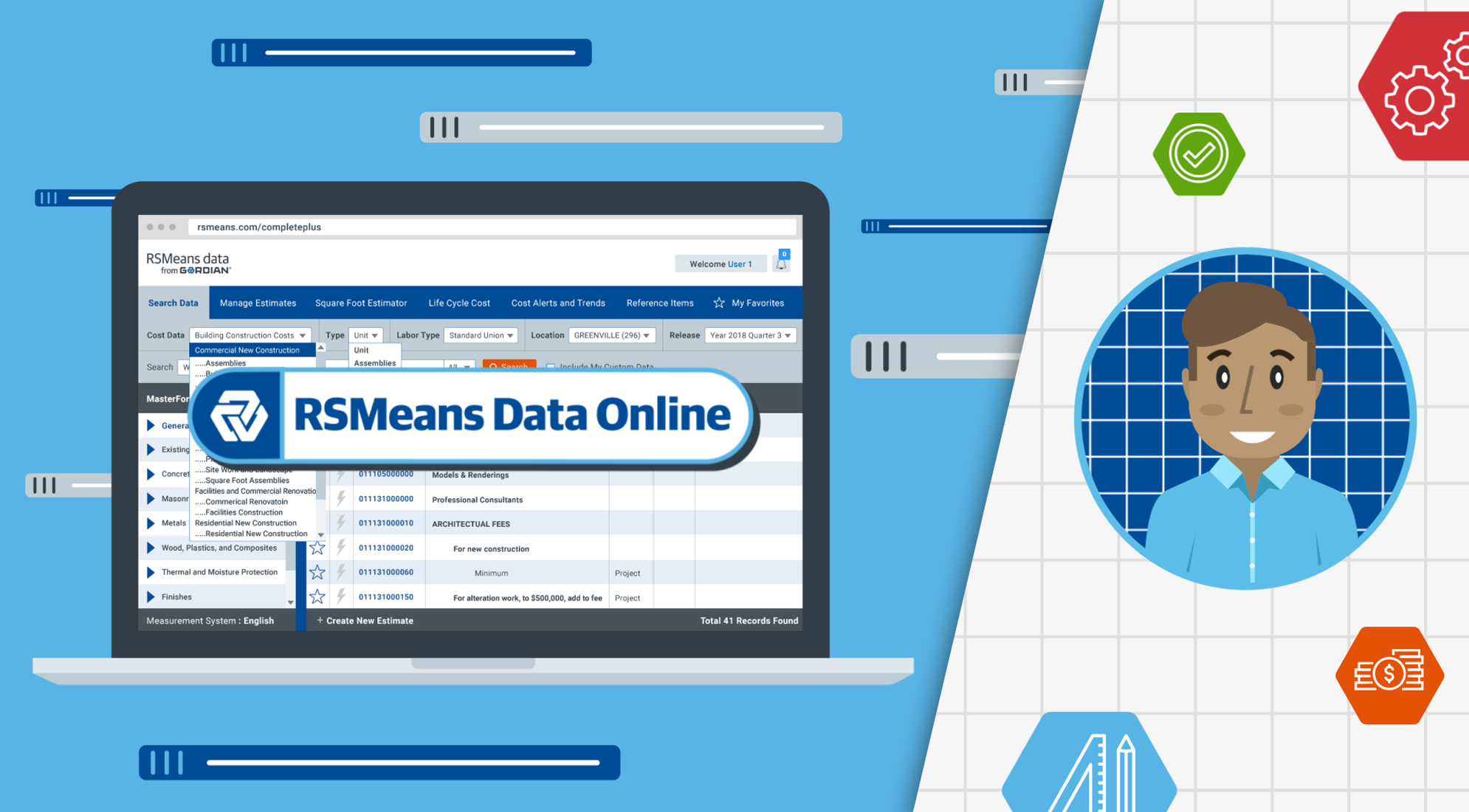
I discovered that RS Means Cost Data is a valuable resource for anyone in the construction industry, whether you're a homeowner, a contractor, or a business owner. It's a comprehensive database that provides cost information for various construction projects, materials, and labor. This data is crucial for accurate estimating and budgeting, especially when you're considering a remodel or new build.
Understanding the Data
RS Means Cost Data offers a wealth of information, but it's not just a simple list of prices. The database includes detailed cost breakdowns for different construction tasks, materials, and equipment. It considers factors like location, labor rates, and material costs, which can vary significantly. For example, the cost of a bathroom renovation in Atlanta might be different from that in Helena due to regional variations in labor and material prices.
The data is also useful for comparing quotes from contractors. You can use RS Means Cost Data to ensure that the estimates you receive are fair and accurate. It's a great way to avoid overpaying or getting scammed. Just remember that the data is a guide, and actual costs can vary depending on the specifics of your project.
Hiring a Contractor
When it comes to hiring a contractor, RS Means Cost Data can be a valuable tool. It can help you understand the scope and cost of your project, so you know what to expect and can ask the right questions. Before hiring, check that the contractor has experience with similar projects and ask for references.
A good quote should include a detailed breakdown of costs, including materials, labor, and any additional fees. It's also a good idea to get multiple quotes to compare and ensure you're getting a competitive price. Remember, the cheapest quote might not always be the best option.
Company Names and Ideas
For those starting a construction business, choosing a name is an important step. A good name should be memorable, unique, and reflect your business values. Here are a few ideas:
- BuildRight Construction
- HomeCrafters
- Solid Foundations
- Modern Builders
- Eco-Friendly Renovations
Remember to check name availability and register your business locally to avoid any legal issues.
Jobs and Salaries
The construction industry offers a range of roles, from general contractors to estimators and project managers. Salaries can vary depending on experience, location, and the size of the company. For example, an estimator in a large firm in San Francisco might earn a different salary compared to one in a smaller town.
If you're looking for construction jobs, online job boards and local recruitment agencies are good places to start.
Data and Tools
RS Means Cost Data is just one of many tools available to the construction industry. Other resources include cost databases, escalation indexes, and outlook reports. These tools help businesses and homeowners plan and budget for construction projects, providing valuable insights into the industry.
Big Companies and the Industry
Large construction firms often have an advantage when it comes to resources and scale. They might have access to better materials, more specialized equipment, and a larger pool of skilled labor. However, smaller companies can offer personalized service and a more tailored approach.
The construction industry is diverse, and the size of the company doesn't always determine its success or quality of work. It's important to research and choose the right company for your specific needs, whether it's a large corporation or a local, family-run business.
So, whether you're a homeowner planning a renovation or a business owner looking to expand, RS Means Cost Data is a great resource to have in your toolkit. It's a simple yet powerful tool that can help you navigate the construction world with confidence.