







Invoice Word Picture Overview
Many users assume they need to download extra files to get rose flower cliparts in Office. In reality, the built‑in clip art library already contains them, and you can insert them directly into Excel or Word.
If you’re adding a graphic to PowerPoint or setting a background in Teams, just use the Insert Picture feature or the clip art browser. The same images are available across Microsoft 365 clip art, so you don’t have to search elsewhere. Depending on your version, the menu labels might vary slightly, but the process stays simple.
Insert picture Excel with rose flower cliparts
The built‑in clip art library already includes rose flower cliparts. You can insert them directly into Excel, Word, or PowerPoint without extra downloads.
In Excel, go to Insert > Picture > This Device, browse the clip art folder and select a PNG rose file. The same steps work in Word and PowerPoint using Insert > Pictures > Stock Images.
The Microsoft 365 clip art collection appears in all Office apps, so you can reuse the rose graphic across documents. Menu labels may vary, but Insert > Picture is the consistent entry point.
If the rose design doesn’t appear, ensure you’re online and signed into a Microsoft 365 account. This opens the online library where the rose images are stored.
For faster access, press Alt+N, P to open the Insert Picture dialog directly. You can also type “rose” in the search box to filter results instantly.
Clip art library requirements: version and account type
The clip art library is included with Office 2019 and Microsoft 365, so no separate download is required for rose flower designs. To use the online library you need a Microsoft 365 subscription and an internet connection; a free Microsoft account also works for the web version.
In corporate environments the online clip art feature can be disabled via policy. If the rose images are missing, ask IT to enable the Microsoft 365 clip art service.
If you’re on an older Office version such as 2016, the offline set may not contain the rose. You can still use the online library by signing in.
When you select the rose from the library, the file is a PNG that can be resized without loss of quality. You can then drag it onto any slide for a polished look with rose flower cliparts.
Step‑by‑step OneNote drawing with rose flower cliparts
To add a rose graphic in OneNote, open the app and choose Insert > Picture > This Device (or Stock Images for the online library). Browse to the clip art folder and select a PNG rose file.
Open OneNote and select the target page.
Click Insert > Picture > This Device (or Stock Images) and locate the rose PNG.
Select the rose file and insert it onto the page.
Resize or reposition using the picture handles as needed.
Save the page; the rose clip art is now part of your OneNote drawing.
If the rose doesn’t appear, confirm you’re online and signed into a Microsoft 365 account; otherwise the offline clip art may not include the design. You can also paste a copied rose image directly into OneNote for immediate use.
Signature image Outlook issues and fixes
When you add a rose clipart as an Outlook signature, the image may disappear or leave the signature blank. This often happens if the file size or format isn’t compatible.
- Signature image exceeds Outlook’s 30 KB size limit.
- File format isn’t supported (e.g., transparent GIF).
- Signature set to plain text only.
- Microsoft 365 clip art service disabled by policy.
To fix, resize the PNG under 30 KB, use a supported format like PNG or JPG, and switch the signature format to HTML or RTF. After saving, test the signature in a new message.
If the problem persists, verify you’re online and signed into a Microsoft 365 account; otherwise the rose image won’t load. After correction, the same rose clip art can be reused in other Office apps.
Slide design PowerPoint best practice with rose flower cliparts
The built‑in clip art library already includes rose flower cliparts, so you can insert them directly into PowerPoint without extra downloads. Use Insert > Pictures > Stock Images to browse the library.
Start with the high‑resolution rose from the Microsoft 365 clip art library for a clean slide design. This ensures the graphic looks sharp when projected.
If you use a custom rose, insert it via Insert > Picture > This Device, then set the picture’s fill to “Aspect Ratio” in Picture Format. Resizing this way prevents distortion.
Add the rose to the slide master’s header area so it appears on all new slides automatically. You can also copy the PNG to a shared folder for consistent branding across presentations.
Give it a go on a spare worksheet or a test slide first, just to be safe. If everything looks right, you can apply the same steps to your actual file. Menus might look a bit different depending on your version, but the ideas stay the same.
When you need this again, just bookmark the page and you’ll have it handy. Happy editing!
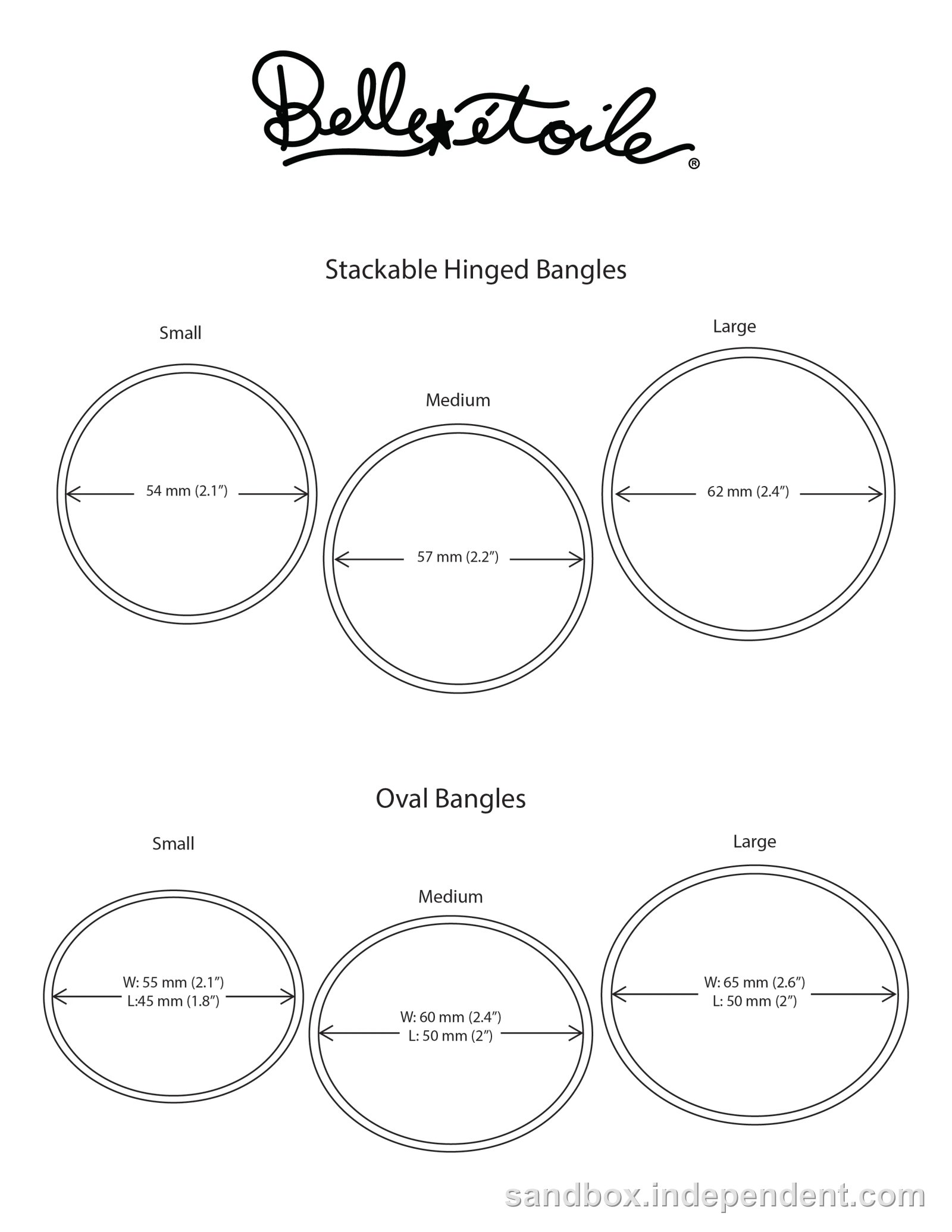
Related: Jacket Size Chart: A Simple Guide to Perfect Fit
A jacket size chart is a handy tool to ensure you get the perfect fit when shopping for outerwear. This guide will navigate you through the process of understanding and utilizing these charts effectively. Whether you're seeking a coat size chart or a jacket sizing guide, this reference covers the basics to help you find your ideal size. While values may vary across different brands and standards, a clear jacket size chart can provide a reliable starting point for your measurements.
Understanding Jacket Size Charts
A jacket size chart is a valuable tool for anyone looking to purchase a jacket that fits perfectly. It provides a standardized guide to help you determine your ideal size based on various measurements. This chart is an essential reference, ensuring you make an informed choice and avoid common sizing pitfalls.
Key Details and Categories
The jacket size chart typically includes measurements such as chest circumference, sleeve length, and sometimes waist or hip measurements, depending on the style of the jacket. These measurements are presented in a clear, tabular format, often with columns indicating different sizes and rows for each measurement type. The chart may also provide guidance on how to measure these body parts accurately. It's important to note that the units of measurement can vary; some charts use inches, while others use centimeters. Always check the units before taking measurements.
Step-by-Step Guide: Reading and Applying the Chart
To use a jacket size chart effectively, follow these steps:
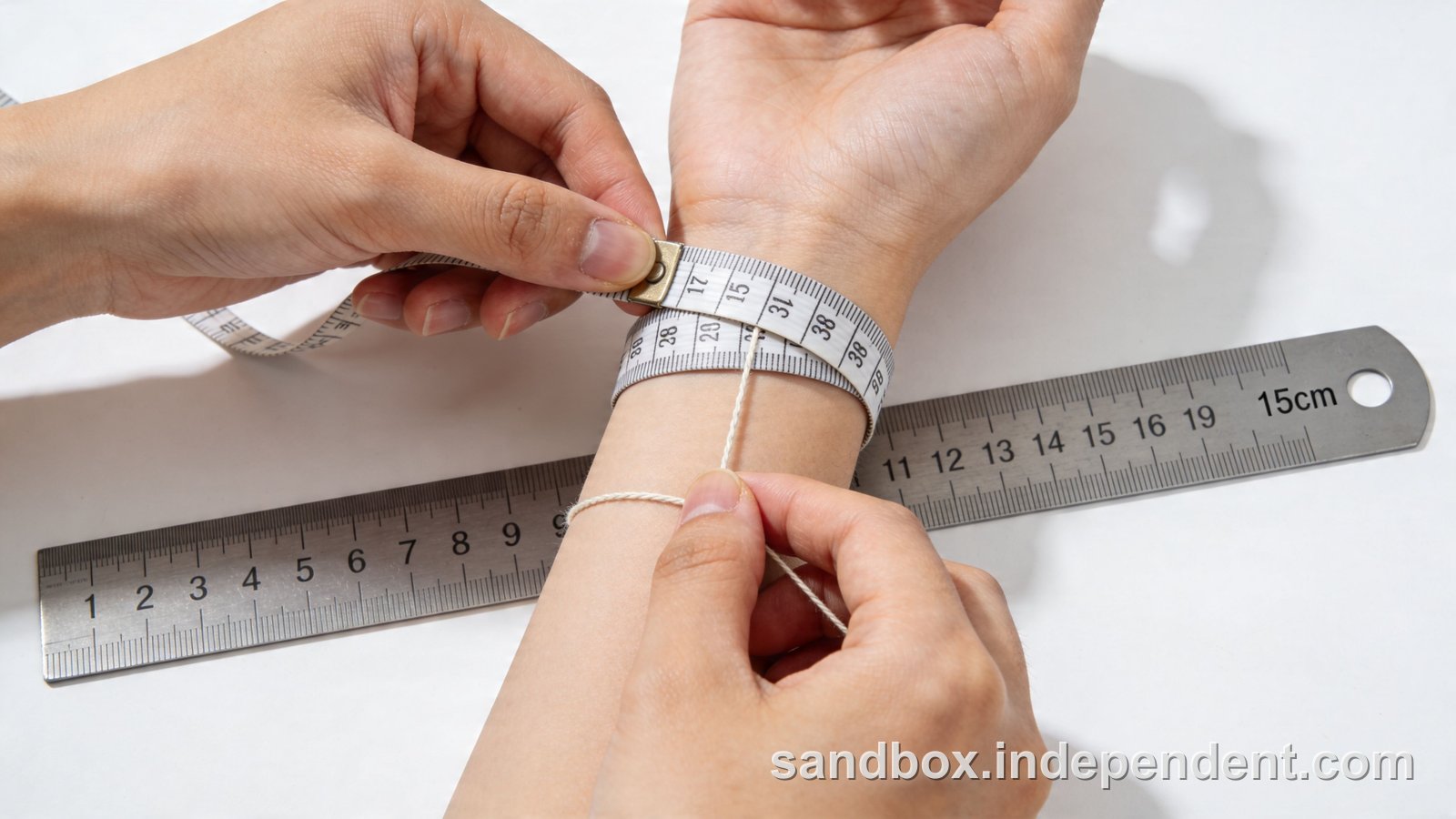
- Gather the necessary measuring tools, such as a flexible tape measure. Ensure it's suitable for measuring both your body and the jacket.
- Take accurate measurements of your body. Measure your chest circumference at the fullest part of your chest, ensuring the tape is not too tight or too loose. For sleeve length, measure from the center of the back of your neck to the desired sleeve length.
- Refer to the jacket size chart and locate the size that best matches your measurements. Look for the size where your chest circumference and sleeve length (or other relevant measurements) fall within the specified range.
- If your measurements fall between two sizes, consider the fit you prefer. If you want a looser fit, choose the larger size; for a more tailored look, opt for the smaller size.
- Check the jacket's specific sizing guidelines, if available. Some brands or styles may have unique sizing recommendations or variations.
Variations and Differences Across Standards
Jacket size charts can vary depending on several factors. One significant factor is the region or country of origin. International size standards can differ, with variations between the US, Europe, and other regions. For instance, a size 'M' in the US may not correspond to the same size in Europe. Additionally, different manufacturers may have their own sizing systems, which can lead to slight variations even within the same region. It's crucial to be aware of these differences and refer to the specific jacket size chart provided by the brand or retailer.
Common Mistakes and How to Avoid Them
One common mistake is assuming that all jacket size charts are universal. Always check the specific chart for the brand or style you're interested in. Another pitfall is measuring yourself incorrectly. Ensure you follow the guidelines provided on the chart for accurate measurements. Avoid estimating or guessing your size, as this can lead to an ill-fitting jacket. Lastly, be mindful of the style and cut of the jacket. Some jackets, like tailored blazers, may require more precise measurements compared to casual, loose-fitting styles.
Practical Tips for Accurate Results
To ensure an accurate fit, consider the following tips:
- Measure yourself regularly, as your body shape can change over time.
- Take measurements at the same time of day, as body shape can vary slightly throughout the day.
- If you're between sizes, consider the fabric and stretchiness of the jacket material. A more flexible fabric may allow for a slightly looser fit.
- Don't be afraid to try on multiple sizes, especially if you're shopping online. Many retailers offer easy return policies.
- Pay attention to the jacket's intended fit. Some jackets are designed to be oversized or fitted, and this can impact your sizing choice.
Double-Check and Handle Exceptions
While jacket size charts provide a great starting point, there are some exceptions to consider:
- If you have a unique body shape or specific fit preferences, you may need to adjust the standard measurements. For example, if you have a broad chest and narrow shoulders, you might need to choose a size based on your chest measurement, even if it means the sleeve length is slightly longer.
- Certain jacket styles, like puffer jackets or down-filled coats, may have different sizing considerations due to the bulkiness of the insulation. In such cases, it's essential to check the brand's specific sizing guidelines.
- Always refer to the product description and reviews for additional sizing insights. Sometimes, customers provide valuable feedback on the fit and sizing of a particular jacket.
Remember, while this chart provides a comprehensive guide, it's always wise to confirm the specific requirements for your intended use. Exact values can vary, so double-check the standards or guidelines relevant to your context.
Consider bookmarking this page for future reference; it's a handy tool to have at your fingertips when you need a quick reminder on jacket sizing. Stay organized, and happy measuring!
Related: Construction Jobs Atlanta Essential Guide
I was driving through Atlanta the other day, and it got me thinking about construction jobs Atlanta. With all the development and growth in the city, there's a lot going on in the construction industry. So, let's explore what this search term is all about and how it might be relevant to you.
Construction Jobs in Atlanta: What's It All About?
Construction jobs Atlanta covers a wide range of roles and opportunities in the construction and building industry. From general contractors to specialized tradespeople, there's a diverse range of jobs available. Whether you're looking for a career change or seeking a reliable contractor for your home remodeling project, understanding the construction job market in Atlanta is key.
The construction industry is a vital part of any city's development, and Atlanta is no exception. With new buildings, renovations, and infrastructure projects, there's a constant demand for skilled workers. So, if you're considering a career in construction or need to hire a professional, here's what you should know.
Hiring a Contractor: What to Look For
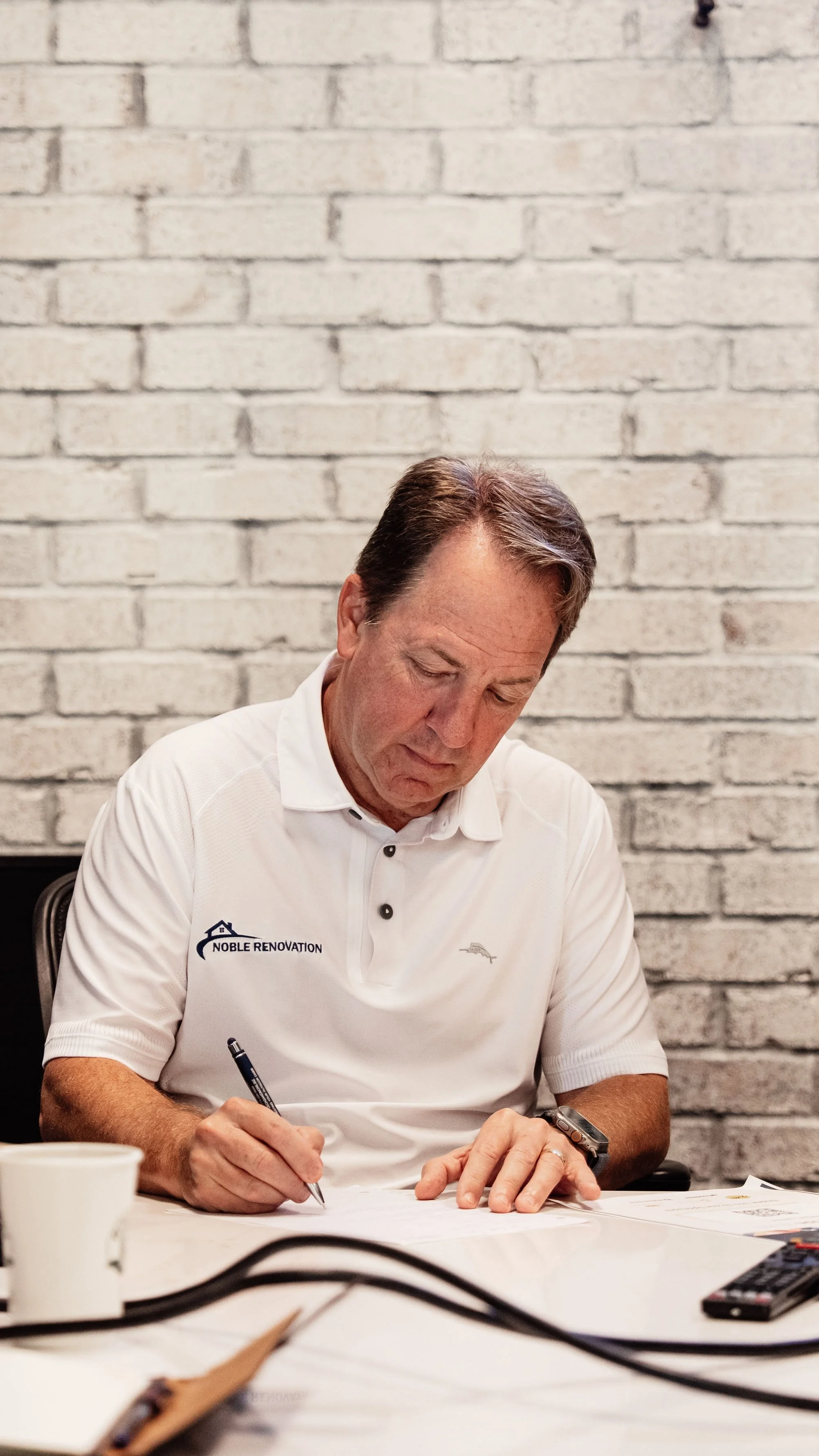
When it comes to hiring a contractor for your remodeling project, it's important to do your research. Check their qualifications, experience, and references. Ask for a detailed quote, including a breakdown of costs, and compare it with other estimates. Ensure they have the necessary licenses and insurance, and don't be afraid to ask questions about their process and timeline.
A good contractor will provide a clear plan, offer regular updates, and be responsive to your needs. It's a big decision, so take your time and choose someone you trust. Remember, a well-chosen contractor can make a huge difference in the success of your project.
Company Names and Branding
For those in the construction business, choosing a name is an important step. A good name should be memorable, reflect your services, and stand out. It's a fine line between catchy and confusing, so keep it simple and relevant. Here are a few name ideas to get you started:
- Build Atlanta
- Atlanta Construction Crew
- Home Remodeling Pros
- The Construction Company
- City Builders
- Atlanta Development Group
Remember to check name availability and secure the relevant registrations and domains to protect your brand.
The Construction Industry: A Closer Look
The construction industry is diverse, with various roles and specializations. From estimators who calculate costs to project managers overseeing the entire process, there are opportunities for many skill sets. Salaries can vary depending on the role, experience, and the scale of projects.
Large construction companies often handle major projects and have the resources for complex jobs. They may offer more stability and a wider range of opportunities. Smaller companies, on the other hand, can provide a more personalized experience and may be better suited for smaller-scale projects.
Tools of the Trade
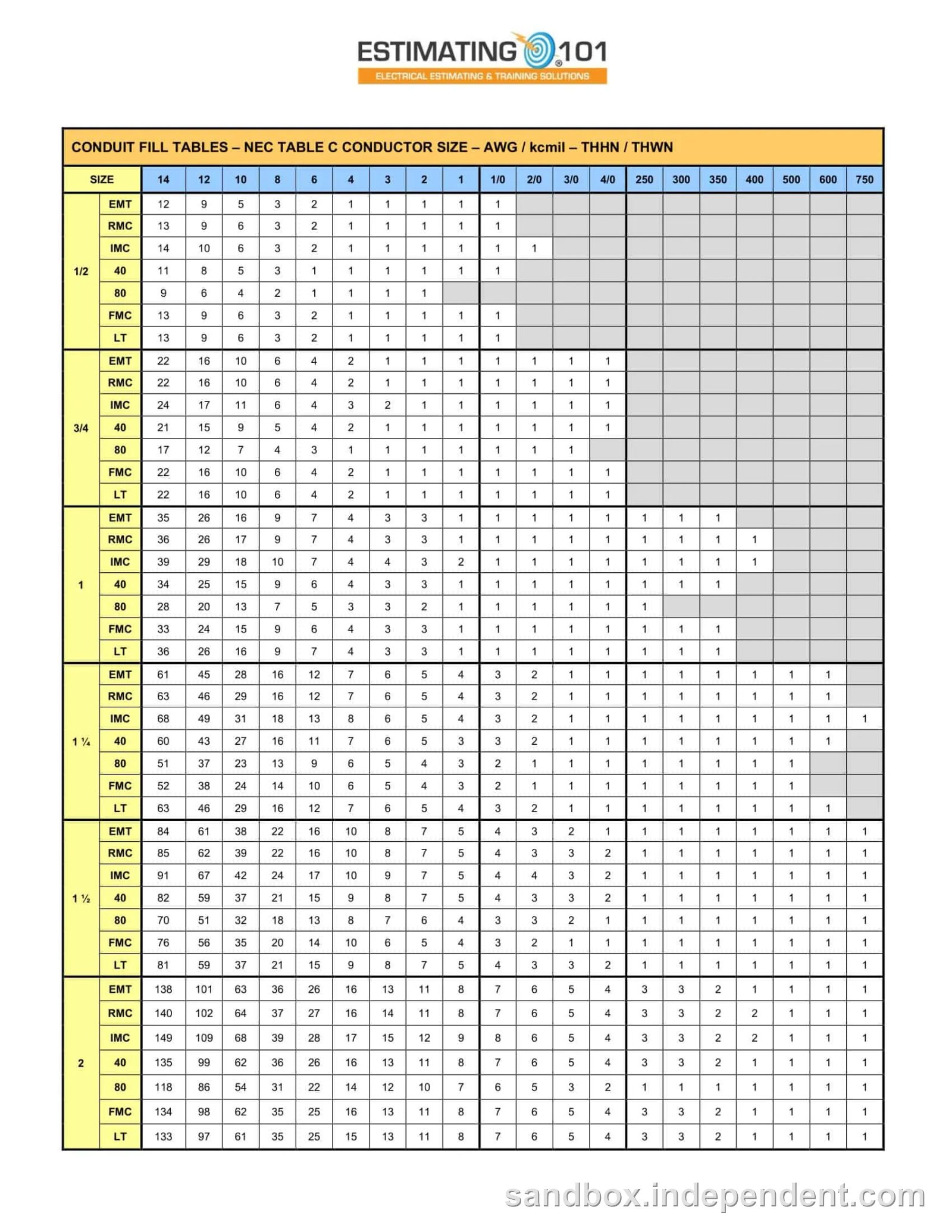
Construction professionals use various tools and resources to estimate costs and manage projects. One popular tool is RSMeans, which provides cost data and helps contractors and estimators calculate accurate project budgets. It's an essential resource for the industry, ensuring projects stay on track financially.
Final Thoughts
Construction jobs Atlanta offers a wealth of opportunities for those in the industry and those seeking reliable professionals. Whether you're hiring or considering a career change, understanding the local market and doing your research is key. So, if you're ready to build your future or transform your home, the construction industry in Atlanta is a great place to start.