







Lower Case Bubble Letter E Overview
Many users assume they need to download extra files to get rose flower cliparts in Office. In reality, the built‑in clip art library already contains them, and you can insert them directly into Excel or Word.
If you’re adding a graphic to PowerPoint or setting a background in Teams, just use the Insert Picture feature or the clip art browser. The same images are available across Microsoft 365 clip art, so you don’t have to search elsewhere. Depending on your version, the menu labels might vary slightly, but the process stays simple.
Insert picture Excel with rose flower cliparts
The built‑in clip art library already includes rose flower cliparts. You can insert them directly into Excel, Word, or PowerPoint without extra downloads.
In Excel, go to Insert > Picture > This Device, browse the clip art folder and select a PNG rose file. The same steps work in Word and PowerPoint using Insert > Pictures > Stock Images.
The Microsoft 365 clip art collection appears in all Office apps, so you can reuse the rose graphic across documents. Menu labels may vary, but Insert > Picture is the consistent entry point.
If the rose design doesn’t appear, ensure you’re online and signed into a Microsoft 365 account. This opens the online library where the rose images are stored.
For faster access, press Alt+N, P to open the Insert Picture dialog directly. You can also type “rose” in the search box to filter results instantly.
Clip art library requirements: version and account type
The clip art library is included with Office 2019 and Microsoft 365, so no separate download is required for rose flower designs. To use the online library you need a Microsoft 365 subscription and an internet connection; a free Microsoft account also works for the web version.
In corporate environments the online clip art feature can be disabled via policy. If the rose images are missing, ask IT to enable the Microsoft 365 clip art service.
If you’re on an older Office version such as 2016, the offline set may not contain the rose. You can still use the online library by signing in.
When you select the rose from the library, the file is a PNG that can be resized without loss of quality. You can then drag it onto any slide for a polished look with rose flower cliparts.
Step‑by‑step OneNote drawing with rose flower cliparts
To add a rose graphic in OneNote, open the app and choose Insert > Picture > This Device (or Stock Images for the online library). Browse to the clip art folder and select a PNG rose file.
Open OneNote and select the target page.
Click Insert > Picture > This Device (or Stock Images) and locate the rose PNG.
Select the rose file and insert it onto the page.
Resize or reposition using the picture handles as needed.
Save the page; the rose clip art is now part of your OneNote drawing.
If the rose doesn’t appear, confirm you’re online and signed into a Microsoft 365 account; otherwise the offline clip art may not include the design. You can also paste a copied rose image directly into OneNote for immediate use.
Signature image Outlook issues and fixes
When you add a rose clipart as an Outlook signature, the image may disappear or leave the signature blank. This often happens if the file size or format isn’t compatible.
- Signature image exceeds Outlook’s 30 KB size limit.
- File format isn’t supported (e.g., transparent GIF).
- Signature set to plain text only.
- Microsoft 365 clip art service disabled by policy.
To fix, resize the PNG under 30 KB, use a supported format like PNG or JPG, and switch the signature format to HTML or RTF. After saving, test the signature in a new message.
If the problem persists, verify you’re online and signed into a Microsoft 365 account; otherwise the rose image won’t load. After correction, the same rose clip art can be reused in other Office apps.
Slide design PowerPoint best practice with rose flower cliparts
The built‑in clip art library already includes rose flower cliparts, so you can insert them directly into PowerPoint without extra downloads. Use Insert > Pictures > Stock Images to browse the library.
Start with the high‑resolution rose from the Microsoft 365 clip art library for a clean slide design. This ensures the graphic looks sharp when projected.
If you use a custom rose, insert it via Insert > Picture > This Device, then set the picture’s fill to “Aspect Ratio” in Picture Format. Resizing this way prevents distortion.
Add the rose to the slide master’s header area so it appears on all new slides automatically. You can also copy the PNG to a shared folder for consistent branding across presentations.
Give it a go on a spare worksheet or a test slide first, just to be safe. If everything looks right, you can apply the same steps to your actual file. Menus might look a bit different depending on your version, but the ideas stay the same.
When you need this again, just bookmark the page and you’ll have it handy. Happy editing!
Related: Home Renovation Contractor Simple Guide
I'm feeling a bit overwhelmed by the thought of my upcoming home renovation. I've heard home renovation contractor is the way to go, but I'm not sure where to start. I want to get it right, so I'm doing some research to find the best approach.
Understanding the Home Renovation Contractor
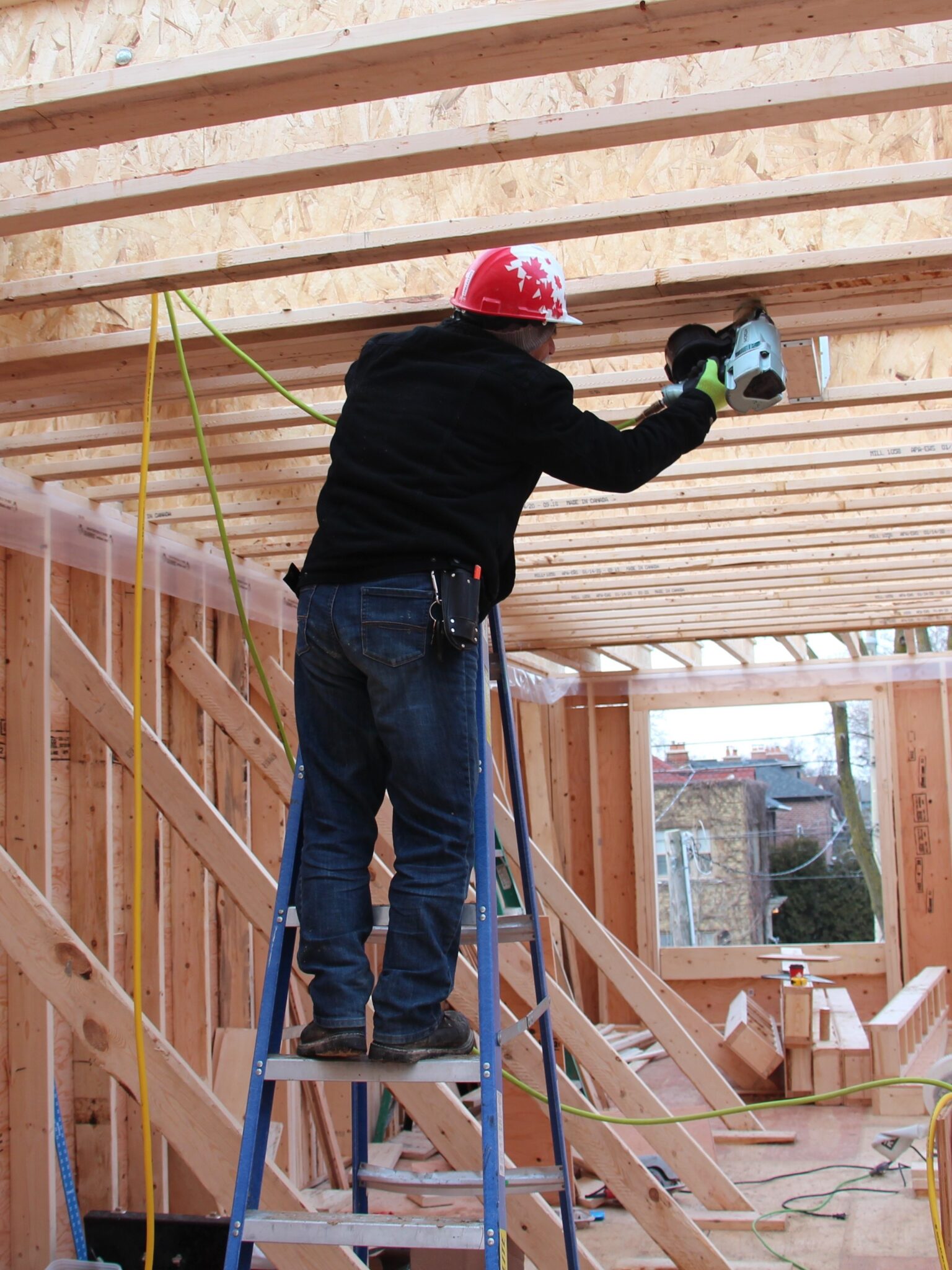
A home renovation contractor is your go-to expert for all things related to transforming your living space. They handle the ins and outs of construction and remodeling, ensuring your vision becomes a reality. From adding a room to updating your bathroom, these professionals manage the entire process, from planning to completion.
When you hire a home renovation contractor, you're getting a team of skilled workers who can handle various tasks. They'll coordinate the work, manage the timeline, and ensure the project stays on track and within budget. It's a one-stop shop for all your renovation needs, taking the stress out of the process.
Finding and Hiring the Right Contractor
Finding a reliable home renovation contractor is key. Check online reviews and ask for recommendations from friends or family. Once you've found a few potential contractors, it's important to ask the right questions. Inquire about their experience, the scope of their work, and any specific skills or certifications they have.
Get detailed quotes from at least three contractors. Compare these quotes, but remember the cheapest isn't always the best. Look for a balance between cost and quality. A good quote will include a breakdown of costs, the timeline, and a clear understanding of the work to be done.
Construction Companies and Their Names
Construction companies often have unique names that reflect their brand and services. A good name should be memorable, easy to pronounce, and give a hint about the business. Some creative names could be Build-It-Right, Renovate & Revive, or Home Transformation Specialists.
Before settling on a name, check its availability for local registration and as a domain. You want to ensure your business name isn't already taken and that you can secure a matching website address.
Industry Tools and Data
The construction industry uses various tools and data to estimate costs and manage projects. One such tool is RSMeans, which provides cost databases and escalation data to help contractors and estimators. This data is crucial for accurate pricing and helps ensure projects stay within budget.
Construction Jobs and Salaries
The construction industry offers a range of roles, from general contractors to specialized tradespeople. Salaries can vary depending on the role, experience, and location. Estimators, for example, play a crucial part in pricing projects accurately.
If you're interested in construction jobs, check local job boards, company websites, and industry-specific platforms. It's a hands-on, rewarding career with plenty of opportunities.
Big Construction Companies
Large construction companies often have the resources to take on major projects. They may have a broader range of services and a larger team of specialists. However, smaller companies can offer personalized service and may be more flexible.
The size of the company doesn't always determine its quality. It's important to research and choose a company that aligns with your needs and budget, regardless of its size.
Final Thoughts
Hiring a home renovation contractor can be a great way to bring your home improvement dreams to life. With the right team, you can transform your space and create a home you love. So, take the time to research, ask questions, and find the perfect fit for your project.
Related: How to Read a Cat Growth Chart?
Many pet owners assume that a cat growth chart is a rigid, one-size-fits-all guide, but it's actually a flexible tool with some room for interpretation. While these charts provide a great visual reference, they are not set in stone; they offer a general framework to help you understand your cat's growth and development.
So, when using a cat growth chart, it's important to remember that every cat is unique, and growth rates can vary. These charts give you a handy comparison to ensure your feline friend is on the right track, but they are not an exact science. You might also find charts for specific aspects like cat weight or breed size comparisons, which can provide additional insights.
Understanding Growth Patterns: A Quick Overview
A cat growth chart is a valuable tool for cat owners and breeders, providing a visual representation of a cat's typical growth journey. It offers insights into the average growth rates and sizes cats achieve at different stages of their lives. This chart is a handy reference, especially for new cat parents, as it helps track and understand their feline friend's development.
Comparing Growth Chart Standards and Formats
Cat growth charts typically come in two main formats: weight charts and height charts. Weight charts display the average weight a cat should gain over time, often categorized by age or growth stage. Height charts, on the other hand, illustrate the expected height a cat will reach, usually measured from shoulder to paw. Both charts use standard units of measurement, such as pounds or kilograms for weight and inches or centimeters for height. It's essential to note that these charts provide average values; individual cats may vary slightly due to breed, nutrition, and overall health.
Tracking Your Cat's Development: A Step-by-Step Guide
To use a cat growth chart accurately, follow these simple steps:
- Identify the type of chart you have: weight or height. Ensure it aligns with the measurement you wish to track.
- Locate your cat's age or growth stage on the chart. This is typically represented on the horizontal axis.
- Read the corresponding value on the vertical axis, which indicates the average weight or height for that age or stage.
- Compare this value to your cat's actual weight or height. If your cat falls within the average range, they are likely growing as expected. If they are significantly above or below the average, consult a veterinarian to ensure their health and development are on track.
Common Misreadings and How to Avoid Them
One common mistake when using a cat growth chart is failing to consider the chart's specific standard or unit of measurement. Always ensure you are using the correct chart for your region (e.g., US or metric) and that you understand the units displayed. Another pitfall is assuming the chart represents absolute values. Remember, these charts provide averages, and individual cats may vary. Regularly measuring and comparing your cat's actual size to the chart's values is essential to get an accurate reading.
Key Factors Affecting Accuracy and Real-World Use
Several factors can influence a cat's growth and development, causing variations from the average values on the cat growth chart. These include:
Breed: Different cat breeds have distinct growth patterns and sizes. For instance, a Maine Coon may grow larger than the average values on the chart, while a Siamese may be smaller.
Nutrition: A cat's diet plays a crucial role in their growth. Proper nutrition ensures they receive the necessary nutrients for healthy development.
Health: Underlying health issues can impact a cat's growth rate and size. Regular veterinary check-ups are essential to identify and address any potential health concerns.
Activity Levels: Active cats may develop differently than less active ones. Exercise and play can influence muscle development and overall size.
Environment: The living conditions and care a cat receives can also affect their growth. A stimulating and enriching environment can promote healthy development.
By considering these factors and regularly monitoring your cat's growth, you can ensure they are on a healthy development path and make informed decisions regarding their care.
Well, that's a wrap on our cat growth chart guide! We've covered a lot of ground, from understanding the different growth standards to the step-by-step process of using a chart and avoiding common pitfalls. Remember, these charts are a great tool, but exact values may vary slightly, so it's always good to consult a vet for personalized advice.
Feel free to explore our other guides for more practical tips and insights. We've got a whole collection of resources to help you navigate the world of pet care, so don't hesitate to check them out!