





Planner Sheet For Business Overview
I was chatting with a friend the other day about home renovations, and the topic of names for construction came up. It got me thinking about all the different aspects of the industry and how important names are in this field. So, let's dive in and explore what this phrase really means and why it matters.
Unraveling the Mystery: What's in a Name?
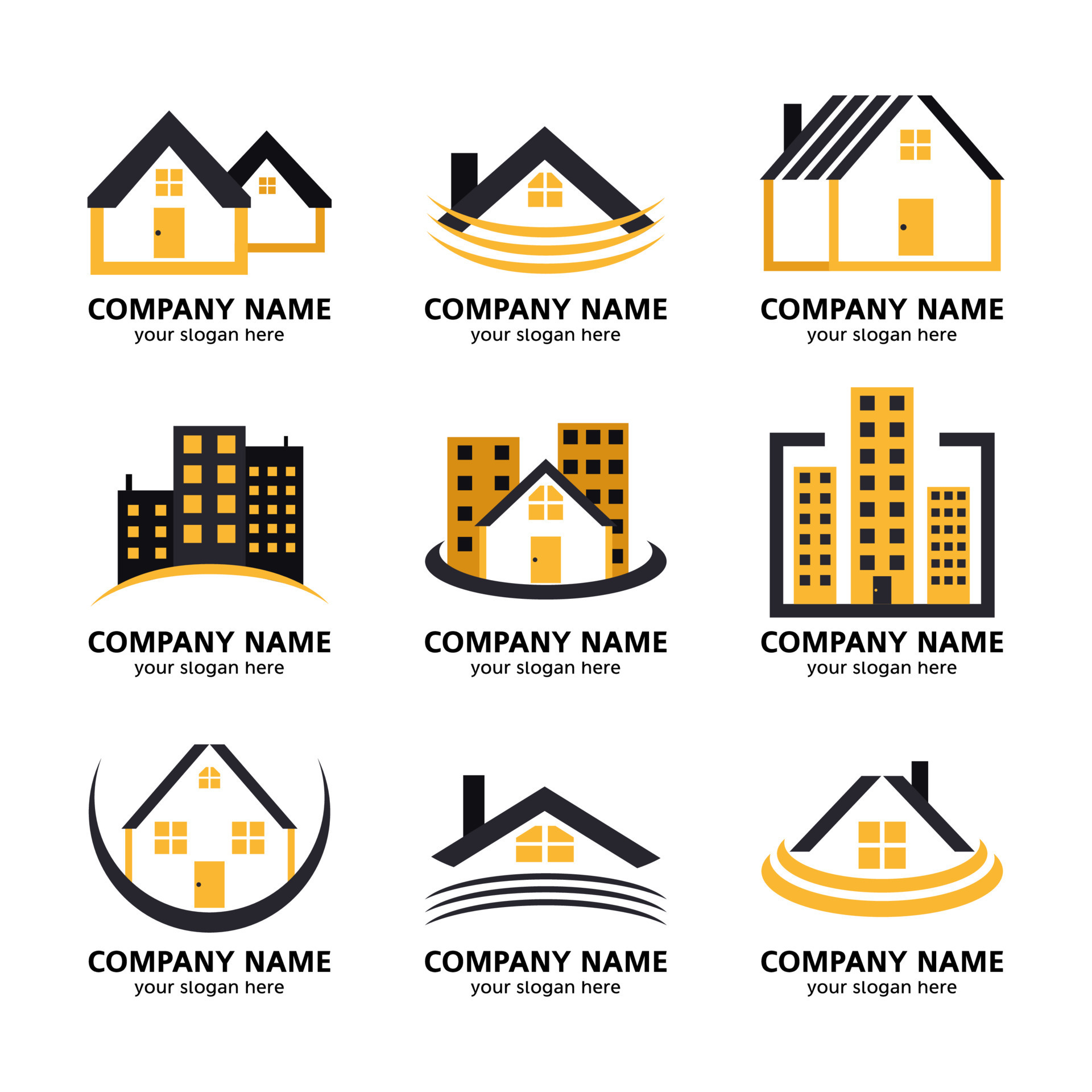
When it comes to construction, the name of a company or project can say a lot. It's often the first impression you get of a business and can give you an idea of their expertise and services. A good name can make a company stand out and leave a lasting impression. So, choosing the right name is crucial for any construction business or project.
The name should reflect the nature of the work and the company's values. It's a chance to showcase your unique selling point and attract the right clients. For example, a name like "Green Builders" might suggest an eco-friendly approach, while "Renovation Experts" could indicate a focus on home remodeling. The right name can help you find your niche and attract the right opportunities.
Naming Tips and Tricks
Coming up with a great name can be a challenge, but here are a few tips to get you started:
- Keep it simple and memorable. A short, catchy name is easier to remember and can be more effective.
- Consider using a combination of words that describe your business or services. For instance, "Build & Design" or "Remodel Masters."
- Think about your target audience and what they might find appealing. A name that resonates with your ideal clients can be a powerful tool.
- Check for availability and trademark issues. You don't want to choose a name only to find out it's already taken or has legal restrictions.
Here's a short list of some original name ideas to inspire you:
- BuildPro
- Constructo
- HomeCraft
- Renov8
- EcoBuild
- Structure Solutions
Construction Jobs and the Industry
The construction industry offers a wide range of roles and opportunities. From general contractors to estimators and project managers, there are various paths to explore. These jobs involve managing projects, estimating costs, and overseeing the entire building process. It's a dynamic industry with a lot of growth potential.
When it comes to salaries, it depends on the role, experience, and location. Construction jobs can offer competitive wages, and with the right skills and expertise, you can build a successful career. Many opportunities are available in cities like Houston, Atlanta, and San Francisco, where the construction industry is thriving.
Costs and Quotes: A Practical Guide
Understanding costs is essential when it comes to construction. The price of a project can vary greatly depending on factors like size, materials, and labor costs. It's always a good idea to get multiple quotes to compare and ensure you're getting a fair deal.
When comparing quotes, look beyond the price. Consider the scope of work, the company's reputation, and their experience. A lower price might not always be the best option if it means cutting corners or using lower-quality materials. Ask for references and check their previous work to get a sense of their quality and reliability.
Data and Tools: Behind the Scenes
In the construction industry, tools like RSMeans provide valuable data and cost estimates. These resources help professionals make informed decisions and plan projects effectively. RSMeans, for example, offers cost databases and escalation tools to account for potential price changes. It's a useful resource for contractors and estimators.
Wrapping Up
So, there you have it! Names for construction might seem like a simple phrase, but it covers a lot of ground. From naming your business to understanding the industry and its costs, there's a lot to consider. I hope this has given you some insights and inspired you to explore further. Remember, the construction industry is full of opportunities, and a great name can be your first step towards success.
Related: match formula excel easy guide for data lookups
Match formula Excel can save you hours when you need to find something in a long list. Say you’ve got a sheet with hundreds of product IDs, and you need to know the position of a specific one. Instead of scrolling forever, you type in =MATCH(lookup_value, lookup_array, [match_type]), and Excel does the heavy lifting. It’s not just for numbers—it works with text, dates, and even wildcards if you set it up right.
It’s one of those formulas that feels like a secret weapon once you get the hang of it. Sure, XLOOKUP is flashier, but match formula Excel is faster for grabbing a position, not a value. Plus, it plays well with INDEX for more advanced lookups. If you’re still manually searching for data, this is your cue to stop.
Find positions, not just values
The match formula in Excel is all about locating where something sits in a list. It’s perfect for anyone who needs to map data between sheets or check if an item exists. Marketers use it to match campaign IDs to results, inventory managers track stock locations, and HR teams map employee IDs to departments.
Set up your sheet with two columns: one for your lookup list (e.g., product IDs) and one for the data you’re matching against (e.g., sales numbers). Keep the lookup list sorted if you’re using match_type 1 (exact or next smallest). Add a third column for the formula itself, and a fourth for any error handling with IFERROR.
| Product ID | Sales | Position | Formula |
|---|---|---|---|
| 101 | 250 | =MATCH(101, A2:A100, 0) |
|
| 102 | 300 | =MATCH(103, A2:A100, 1) |
|
| 103 | 150 | =MATCH("104", A2:A100, 0) |
The first formula returns 1 because 101 is the first item in the list. The second returns 5 since 103 isn’t there, but 105 is the next smallest. The third returns #N/A because "104" (as text) doesn’t match 104 (as a number).
Common mistake: Using match_type 1 on unsorted data. Excel won’t throw an error, but it’ll give you wrong results. Fix it by sorting the lookup array or switching to match_type 0 for exact matches.
Pair it with INDEX for dynamic lookups
The real power of match formula Excel comes when you combine it with INDEX. Together, they let you pull values from a table based on a lookup, without hard-coding cell references. This is how you build dynamic dashboards or reports that update automatically.
Create a table with Ctrl+T, then add a separate cell for your lookup value (e.g., "Q1 Sales"). Below it, set up a formula like =INDEX(table_array, MATCH(lookup_value, lookup_column, 0), return_column). Use IFERROR around it to catch missing data.
| Quarter | Region | Sales | Formula |
|---|---|---|---|
| Q1 | East | 500 | |
| Q1 | West | 700 | |
| Q2 | East | 600 |
Formula in D2: =IFERROR(INDEX(B2:B4, MATCH("Q1", A2:A4, 0), 2), "Not Found"). Returns 500 for Q1 East sales.
Common mistake: Forgetting to lock cell references with $. If you drag the formula down, A2:A4 should be $A$2:$A$4 to keep it anchored.
Handle errors and wildcards
Match formula in Excel breaks if it can’t find what you’re looking for. Wrap it in IFERROR to show a custom message instead of #N/A. If you’re working with partial matches, use wildcards by switching to match_type 0.
Add a data validation dropdown in your lookup cell to avoid typos. Go to Data > Data Validation > List, and point it to your lookup array. This keeps inputs consistent.
| Item | Price | Lookup | Result |
|---|---|---|---|
| Apple | 1.50 | p | 1 |
| Banana | 0.75 | n | 2 |
| Cherry | 2.00 | Peach | Not Found |
Formula in D2: =IFERROR(MATCH(C2 & "", A2:A4, 0), "Not Found"). For p, it returns 1 because "Apple" contains “p”.
Common mistake: Storing numbers as text. If your lookup value is 101 (number) but your array has "101" (text), the formula fails. Fix it with Data > Text to Columns > Finish to convert.
Build a lookup tracker
Turn match formula Excel into a reusable tracker by adding conditional formatting and filters. This works great for inventory logs, expense trackers, or project checklists. Highlight matches with Home > Conditional Formatting > New Rule > Use a formula.
Set up a filter on your lookup column (Ctrl+Shift+L) so you can narrow down results. Freeze the top row (View > Freeze Panes) if your sheet is long.
| Task ID | Status | Due Date | Priority |
|---|---|---|---|
| 001 | Done | 2023-10-15 | High |
| 002 | Pending | 2023-10-20 | Medium |
| 003 | Done | 2023-10-25 | Low |
Formula in E2: =IF(ISNUMBER(MATCH(A2, $A$2:$A$4, 0)), "Found", ""). Add conditional formatting to highlight “Found” cells.
Common mistake: Merging cells in your lookup array. Merged cells break formulas. Unmerge them with Home > Merge & Center > Unmerge Cells.
Try building a simple inventory tracker next. Use match formula Excel to flag low-stock items, and pair it with COUNTIFS to tally quantities.
Related: Jobs Hiring Construction Simple Guide for Builders
I've got a friend who's been looking for work in jobs hiring construction, and it got me thinking about how many people are out there searching for these roles. So, I decided to look into it and share what I found.
Construction Jobs: What's Out There?
When you hear jobs hiring construction, you might think of the big-name building companies, but there's a whole lot more to it than that. Construction covers a massive range of roles, from general contractors to specialized trades like plumbing or electrical work. It's not just about building new stuff, either; remodeling and home renovation are huge parts of the industry.
So, what does this mean for job seekers? Well, there are plenty of opportunities, but it's not always easy to know where to look or what to ask. Let's break it down.
Finding the Right Role
First, consider the type of work you want to do. Are you more interested in the hands-on side of construction, like carpentry or bricklaying? Or do you prefer the planning and management side, perhaps as a project coordinator or estimator? The great thing about construction is that there are roles for all kinds of skills and interests.
Once you've got an idea of the type of work you want, it's time to start looking. Online job boards are a good place to start, but don't forget about local companies and smaller businesses. They might not always advertise roles online, so it's worth giving them a call or popping in to see if they're hiring.
Hiring a Contractor: What to Look For
If you're on the other side of the fence and need to hire a contractor for a project, there are a few things to keep in mind. First, get quotes from several companies. This will give you an idea of the going rate and help you spot any outliers.
When comparing quotes, look beyond the price. Check the scope of the work, the materials and labor included, and the timeline. A cheaper quote might not be the best value if it excludes key elements or takes much longer to complete.
Company Names and Branding
For those starting their own construction business, choosing a name is a big deal. It needs to be memorable, reflect your services, and stand out from the competition. Some examples of catchy construction company names include:
- Build-it-Right
- Hammer Down Solutions
- Pro-Fit Renovations
- Crafted Spaces
- Blue Collar Builders
Before settling on a name, check its availability for registration and domain purchase. You don't want to get too far down the line only to find out someone else has already taken the name.
Industry Tools and Data
Construction professionals often use tools like RSMeans to estimate costs and track escalation. These databases provide valuable data on labor and material costs, helping contractors and companies price their services accurately.
While these tools are great, they're just a starting point. Local conditions, permit requirements, and the scope of your project will all impact the final cost. Always get several quotes and compare them carefully.
Wrapping Up
There's a lot to uncover when you start looking into jobs hiring construction. Whether you're seeking work or hiring a contractor, it's a complex but rewarding industry. I hope this has given you some useful insights and ideas to get you started. Happy job hunting, and good luck with those projects!