
Flashcards Useful For Kids Overview
A common misconception about gravel size charts is that they are solely for professionals or experts in the field. However, these charts are an accessible and valuable tool for anyone seeking accurate information on gravel sizing. The gravel size chart, often a simple table or diagram, provides a clear reference for understanding the various sizes and grades of gravel. It ensures you can make informed decisions, whether for landscaping, construction, or any project requiring specific gravel specifications.
Understanding the Gravel Size Chart: A Practical Guide
The gravel size chart is a valuable tool for anyone working with aggregates, offering a standardized way to categorize and understand the size distribution of gravel particles. This chart provides a visual representation of gravel sizes, making it easier to select the right type for various applications.
Comparing Standards and Formats
There are different standards and formats for gravel size charts, primarily based on the measurement system used. The most common are the US standard sizes and the metric system. US charts typically use inches or fractions of an inch, while metric charts employ millimeters. These charts also vary based on the specific application, such as construction, landscaping, or horticulture.
Step-by-Step Guide to Using the Gravel Size Chart
To accurately use a gravel size chart, follow these steps:
Identify the Standard: Determine whether you are working with a US or metric chart. This is crucial as the size categories and measurements differ significantly between the two systems.
Select the Right Chart: Choose a chart specific to your application. For instance, if you are landscaping, you might need a different chart than someone working on a construction project.
Understand the Categories: Familiarize yourself with the size categories on the chart. These categories often have specific names or codes, such as "pea gravel" or "2A Modified."
Measure and Compare: Take accurate measurements of the gravel you are working with. Compare these measurements to the categories on the chart to identify the closest match.
Consider Particle Distribution: Remember that gravel is a natural material, and its size distribution can vary. The chart provides a general guide, but actual samples may have some variation.
Convert if Needed: If you are working with a chart in a different system, you may need to convert the measurements. For instance, converting from inches to millimeters or vice versa.
Avoiding Common Misreadings and Pitfalls
Misinterpreting a gravel size chart can lead to incorrect selections. Here are some common mistakes to avoid:
Assuming Direct Equivalence: Gravel size charts provide a range of particle sizes, not exact measurements. Avoid selecting gravel based on a single number or assuming a direct match.
Ignoring Tolerances: Natural variations in gravel mean that the actual size distribution may differ slightly from the chart. Always consider the tolerance range when making selections.
Mixing Standards: Be cautious when working with charts from different standards. Converting measurements accurately is essential to avoid errors.
Factors Affecting Accuracy and Real-World Use
Several factors can influence the accuracy of a gravel size chart and its real-world application:
Source and Origin: Gravel from different sources or regions may have varying size distributions, even within the same category.
Processing and Screening: The method of processing and screening gravel can affect its size distribution. Different techniques may result in slightly different outcomes.
Environmental Factors: Weather conditions and erosion can impact the size and shape of gravel over time, especially in natural settings.
Application-Specific Requirements: Different projects have unique needs. Construction, for example, may require more precise size control than landscaping.
Adapting the Chart for Specific Needs
While gravel size charts provide a standardized guide, they may not cover every specific need. In such cases, you can adapt the chart or seek more detailed specifications:
Custom Size Categories: If your project requires a specific size not covered by standard charts, you can create custom categories based on your measurements.
Detailed Specifications: For precise projects, consult with experts or refer to detailed specifications provided by gravel suppliers or manufacturers.
On-Site Testing: In some cases, conducting on-site testing and analysis, such as sieve analysis, can provide more accurate data for your specific gravel source.
Well, I hope this gravel size chart and its accompanying guide have given you a clear and concise reference for your projects. Remember, while this chart provides a solid foundation, it's always a good idea to verify the specific requirements and standards relevant to your region or industry. Exact values can vary, so double-check to ensure you're using the right measurements for your context.
Consider bookmarking this page for future reference; it might come in handy when you least expect it! Until next time, happy measuring and stay organized.
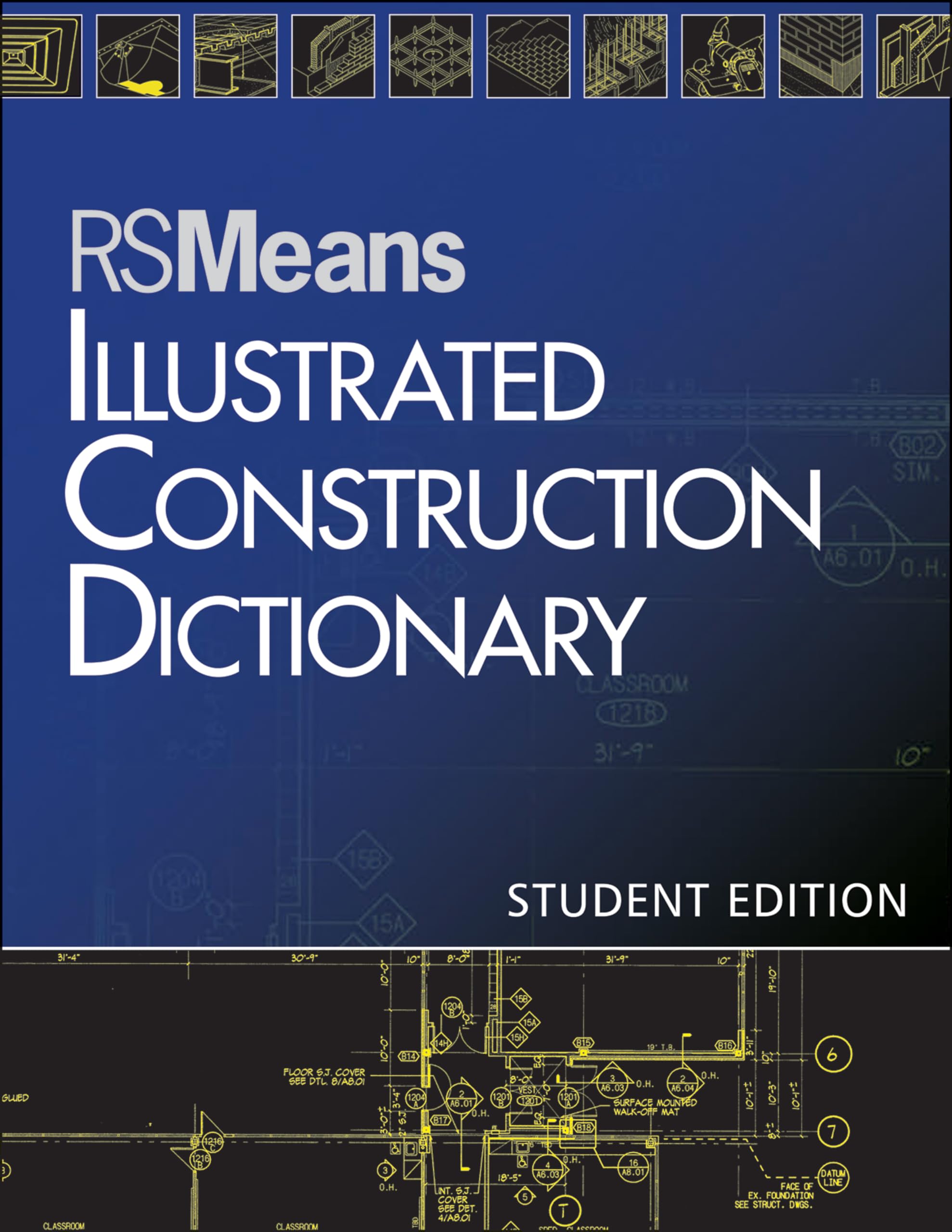
Related: RSMeans Construction Essential Guide For Builders
"rs means construction" is a phrase that might pop up when you're planning a home renovation or building project. It's a mouthful, but it's a useful tool for anyone wanting to understand construction costs. So, let's break it down and see what it's all about!
Understanding RSMeans and Construction Costs
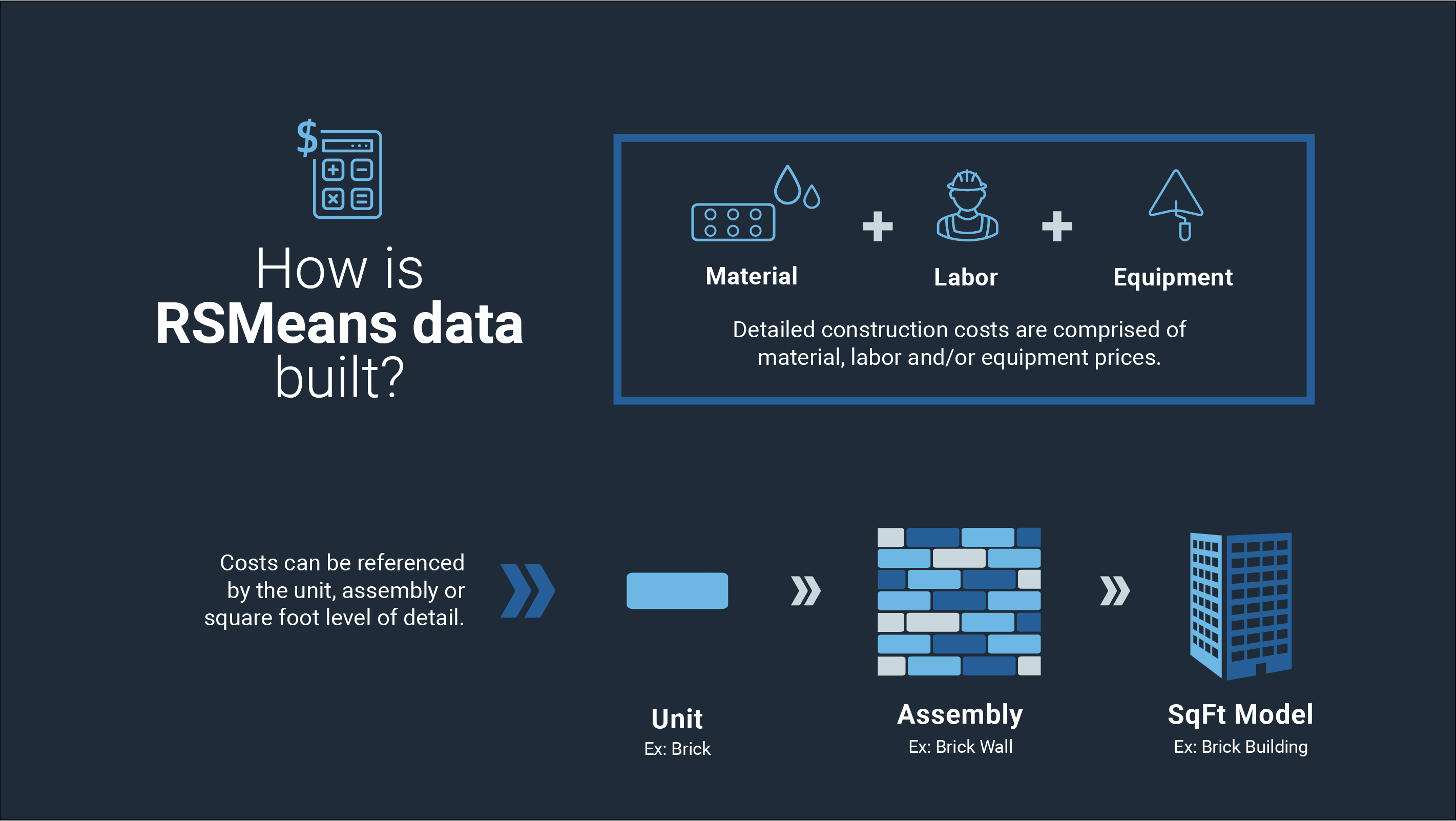
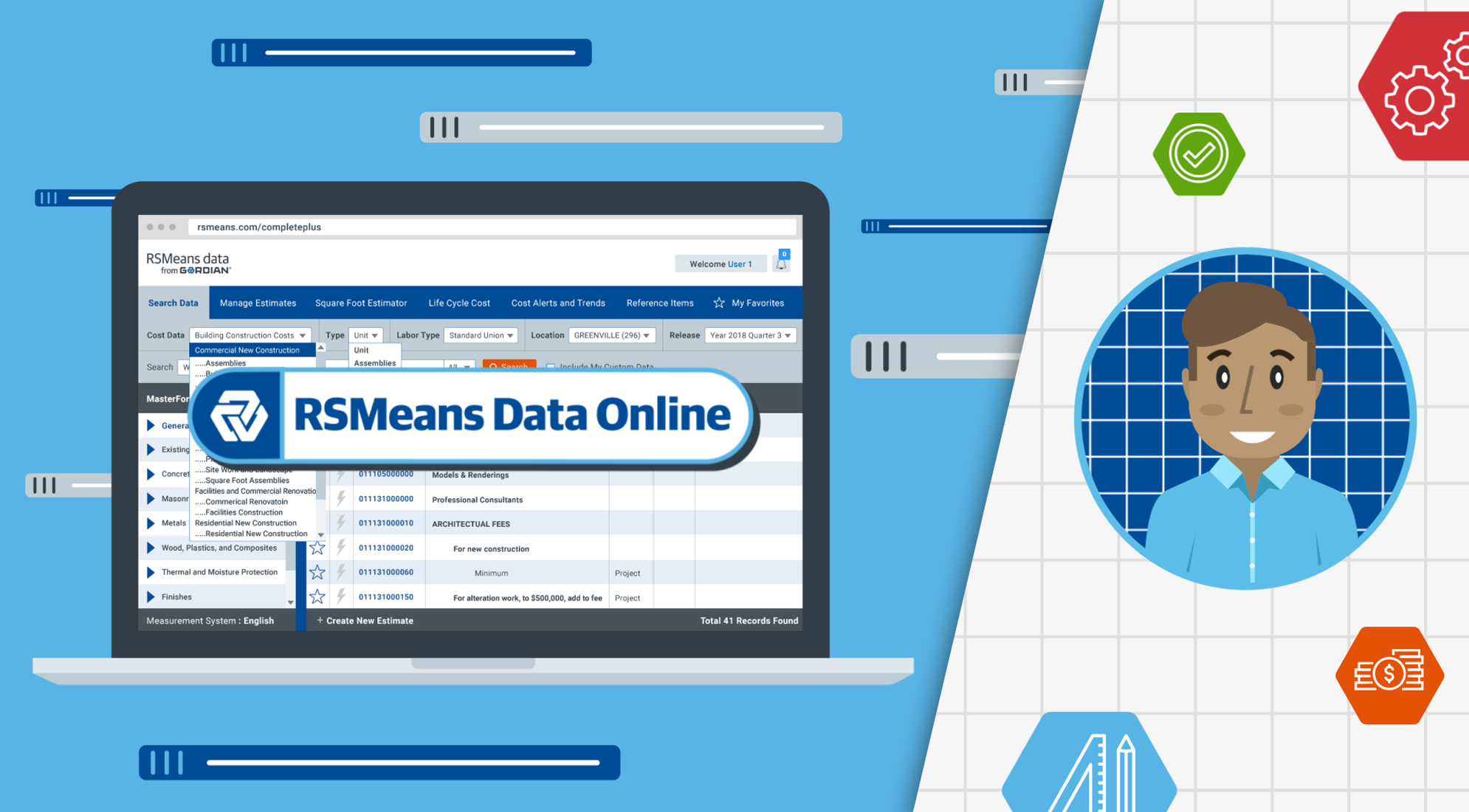
RSMeans is a database and resource for construction professionals and homeowners alike. It provides detailed information on construction costs, helping you estimate and plan your project's budget. This tool is a go-to for many in the industry, offering insights into labor, materials, and other expenses. It's especially handy for comparing quotes and ensuring you get a fair deal.
When using RSMeans, you can get a good idea of what your project might cost. It considers various factors like the size of the project, the materials you choose, and the local labor rates. This data helps you set a realistic budget and understand the costs involved. It's a great way to ensure you're not overspending or underestimating the expenses.
Hiring a Contractor: What to Look For
When it comes to hiring a contractor, RSMeans can be a valuable ally. It can help you understand the typical costs for your project, so you know if a quote is reasonable. Before hiring, always check the contractor's references and licenses. Ask for a detailed breakdown of the costs and what's included in the quote. A good contractor will be transparent and provide this information.
You should also consider the scope of the project and whether the contractor has experience with similar work. Don't be afraid to ask questions and get a clear picture of what you're paying for. It's your project, and you want to ensure it's done right!
Construction Company Names and Branding
Naming a construction company is an important step. It's the first impression you give to potential clients and should reflect your business's values and services. A good name is memorable, unique, and gives a hint at what you do. For example, "BuildStrong", "Renovate Right", or "HomeCrafters" are catchy and descriptive.
When choosing a name, consider registering it and checking domain availability. You want to ensure your online presence is secure and that your name isn't already taken locally. It's a small but crucial step in building your brand and standing out in a competitive industry.
Jobs and Opportunities in Construction
The construction industry offers a range of roles, from estimators who use tools like RSMeans to project managers and skilled laborers. These jobs are in demand, and you'll often find opportunities advertised online or through local trade associations. It's a varied industry, and you can specialize in different areas, whether it's residential construction, commercial projects, or specific trades like plumbing or electrical work.
Data and Tools for the Industry
RSMeans is just one of the many tools and resources available to construction professionals. These tools help manage projects, estimate costs, and keep track of industry trends. For example, cost indexes provide an overview of construction costs over time, helping businesses and homeowners plan and budget effectively. Escalation, another term for cost increases, is also an important factor to consider when planning long-term projects.
Big Companies and the Industry
In the construction world, you'll find a mix of small, local businesses and large, national firms. The size of the company often reflects the scale of projects it takes on. Big companies may have the resources to tackle large-scale developments, while smaller businesses might focus on local renovations and additions. It's a diverse industry, and both types of companies play a crucial role in building our communities.
So, there you have it! RSMeans construction is a useful tool for anyone involved in construction, whether you're a homeowner, a contractor, or a business owner. It's a great way to stay informed and ensure your projects are on track and within budget.
Related: remove duplicates excel Easy guide for clean data
Ugh, duplicates in Excel. We've all been there, staring at a massive spreadsheet with rows and rows of data, only to realize there are multiple entries for the same thing. Remove duplicates Excel to the rescue! Let's get into how this handy feature works and why it's a lifesaver for anyone dealing with data.
So, you've got your Excel sheet open, and it's a mess of similar entries. Maybe it's a list of contacts, products, or sales data, and you need to clean it up. The "Remove Duplicates" feature is like a magic wand, but it's not as simple as clicking a button. You've got to set it up right to get the results you need.
First, let's talk about how Excel identifies duplicates. It looks at the values in the cells and compares them. But here's the catch: by default, it only checks the active column. So, if you have duplicate entries across multiple columns, you need to tell Excel which columns to consider. You do this by selecting the range of cells you want to check, then heading to the "Data" tab and clicking "Remove Duplicates." A pop-up will appear, showing you the columns Excel will check. Make sure to select all the relevant columns, and voila! You're on your way to a cleaner sheet.
Setting it Up: A Step-by-Step Guide
Now, let's get into the nitty-gritty. After selecting your range, click "Remove Duplicates," and that pop-up will appear. Here, you can choose which columns to check. But be careful! If you have multiple columns with similar data, Excel might remove entries you want to keep. For example, if you have a contact list with names and email addresses, and someone has the same name but a different email, Excel might see it as a duplicate and remove one entry. To avoid this, you can use a formula like =IF(ISERROR(MATCH(B2,$B$2:$B$100,0)),"","Duplicate") in a helper column. This formula checks if the email address in column B is a duplicate within the range B2 to B100. If it is, it returns "Duplicate"; otherwise, it leaves the cell blank. This way, you can easily identify and keep the entries you need.
Another tip: before removing duplicates, consider using conditional formatting to highlight potential duplicates. This way, you can visually inspect the data and make sure you're not losing important entries. Excel's "Conditional Formatting" feature lets you format cells based on their values, so you can quickly spot and address any issues.
Keeping Your Data Clean
Maintaining a tidy spreadsheet is crucial, and remove duplicates Excel is just one tool in your belt. Regularly review and clean your data to avoid messy formatting and broken cells. Use Excel's built-in tools like SUMIFS for quick calculations and XLOOKUP for finding specific values. These formulas, along with drop-down lists and other features, can keep your sheet organized and efficient.
In a nutshell, remove duplicates Excel is a powerful feature, but it's just one part of the Excel toolkit. With a bit of practice and these tips, you'll be a pro at managing your data and keeping your spreadsheets shipshape. So, next time you open that massive contact list, remember these tricks and tackle those duplicates like a boss!