



Kindergarten Worksheets For Reading Overview
RSMeans estimating... it's a term I've come across recently, and I was curious to know more. As someone who's dabbled in home renovations and heard about construction projects, I wanted to understand what this phrase means and how it relates to the world of building and remodeling. So, let's dive in and uncover the secrets behind RSMeans estimating!
Unraveling the Mystery: What is RSMeans Estimating?
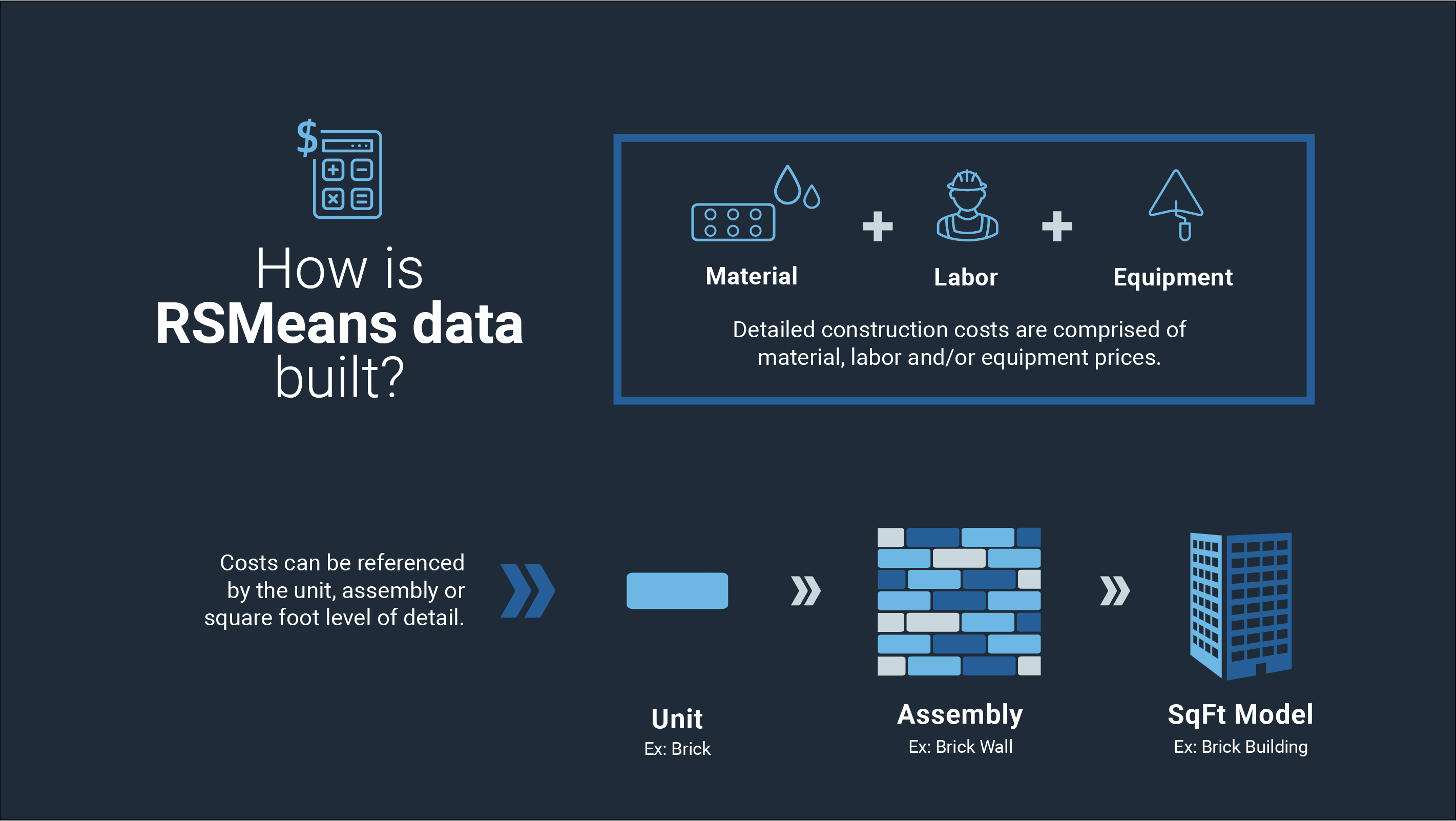
RSMeans estimating is a tool, a resource, and a method used by construction professionals to estimate the costs and pricing of various projects. It's like a handy guide that helps builders, contractors, and even homeowners like me make informed decisions. This estimating process considers factors like labor, materials, and the overall scope of the work to provide an accurate cost estimate.
For those of us considering a home renovation, understanding RSMeans estimating can be a game-changer. It empowers us to compare quotes, ensure we're getting a fair deal, and make smart choices about our projects. Whether it's a bathroom renovation or a full-scale house addition, having a reliable estimate is crucial.
Hiring the Right Contractor: A Guide
When it comes to hiring a contractor for your project, RSMeans estimating can be a valuable tool. It helps you evaluate quotes and understand the breakdown of costs. Here's a simple guide:
- Check the contractor's experience and reputation.
- Ask for references and read reviews.
- Get multiple quotes and compare them.
- Ensure the quote covers all aspects of the job.
- Look for transparency and clear communication.
A good quote should detail the work, materials, and labor costs. It should also include any potential additional expenses, like permits or unexpected issues. Remember, it's not just about the lowest price; it's about finding a reliable and skilled contractor who understands your vision.
Construction Business Names: A Creative Challenge
Naming a construction business is an art! It's a chance to be creative and leave a lasting impression. A great name should be memorable, reflect your company's values, and stand out in a competitive market. Here are a few ideas:
- BuildCraft
- HomeWorkz
- SkyRise Solutions
- EarthMovers
- Brick & Mortar Pros
- BuildTech Innovations
Before settling on a name, check its availability for domains and local registration. You want to ensure your business name is unique and can be easily found online.
The World of Construction Jobs
The construction industry offers a wide range of roles, from estimators to project managers and skilled laborers. Estimator jobs, for instance, involve using tools like RSMeans to calculate costs accurately. These professionals are in demand and play a crucial role in the success of projects.
If you're interested in construction jobs, explore online job boards, local newspapers, and industry-specific websites. Many construction companies also advertise directly on their websites, so it's worth keeping an eye out for openings.
RSMeans: A Powerful Tool for Professionals
RSMeans is a trusted resource in the construction industry. It provides cost databases, escalation data, and cost indexes, helping professionals make informed decisions. Whether you're a general contractor or a remodeling company, RSMeans estimating offers valuable insights.
This tool is especially useful when planning projects, as it helps anticipate costs and stay within budget. It's a go-to resource for many in the industry, providing accurate and up-to-date information.
Big vs. Small: The Construction Industry Landscape
The construction industry is diverse, with both large corporations and small, local businesses. Large firms often have the resources to take on major projects and offer a wide range of services. They may have a broader reach and access to more specialized skills.
Small businesses, on the other hand, can provide a more personalized experience. They often have a strong local presence and can offer competitive pricing. When choosing a company, consider your project's scope and your preferences for size and expertise.
In conclusion, RSMeans estimating is a valuable tool for anyone involved in construction, remodeling, or building projects. It empowers us to make informed decisions, compare costs, and ensure a successful outcome. So, whether you're in Atlanta, Baltimore, or San Francisco, RSMeans estimating is a resource worth exploring!
Related: Names For Construction Essential Guide
I was chatting with a friend the other day about home renovations, and the topic of names for construction came up. It got me thinking about all the different aspects of the industry and how important names are in this field. So, let's dive in and explore what this phrase really means and why it matters.
Unraveling the Mystery: What's in a Name?
When it comes to construction, the name of a company or project can say a lot. It's often the first impression you get of a business and can give you an idea of their expertise and services. A good name can make a company stand out and leave a lasting impression. So, choosing the right name is crucial for any construction business or project.
The name should reflect the nature of the work and the company's values. It's a chance to showcase your unique selling point and attract the right clients. For example, a name like "Green Builders" might suggest an eco-friendly approach, while "Renovation Experts" could indicate a focus on home remodeling. The right name can help you find your niche and attract the right opportunities.
Naming Tips and Tricks
Coming up with a great name can be a challenge, but here are a few tips to get you started:
- Keep it simple and memorable. A short, catchy name is easier to remember and can be more effective.
- Consider using a combination of words that describe your business or services. For instance, "Build & Design" or "Remodel Masters."
- Think about your target audience and what they might find appealing. A name that resonates with your ideal clients can be a powerful tool.
- Check for availability and trademark issues. You don't want to choose a name only to find out it's already taken or has legal restrictions.
Here's a short list of some original name ideas to inspire you:
- BuildPro
- Constructo
- HomeCraft
- Renov8
- EcoBuild
- Structure Solutions
Construction Jobs and the Industry
The construction industry offers a wide range of roles and opportunities. From general contractors to estimators and project managers, there are various paths to explore. These jobs involve managing projects, estimating costs, and overseeing the entire building process. It's a dynamic industry with a lot of growth potential.
When it comes to salaries, it depends on the role, experience, and location. Construction jobs can offer competitive wages, and with the right skills and expertise, you can build a successful career. Many opportunities are available in cities like Houston, Atlanta, and San Francisco, where the construction industry is thriving.
Costs and Quotes: A Practical Guide
Understanding costs is essential when it comes to construction. The price of a project can vary greatly depending on factors like size, materials, and labor costs. It's always a good idea to get multiple quotes to compare and ensure you're getting a fair deal.
When comparing quotes, look beyond the price. Consider the scope of work, the company's reputation, and their experience. A lower price might not always be the best option if it means cutting corners or using lower-quality materials. Ask for references and check their previous work to get a sense of their quality and reliability.
Data and Tools: Behind the Scenes
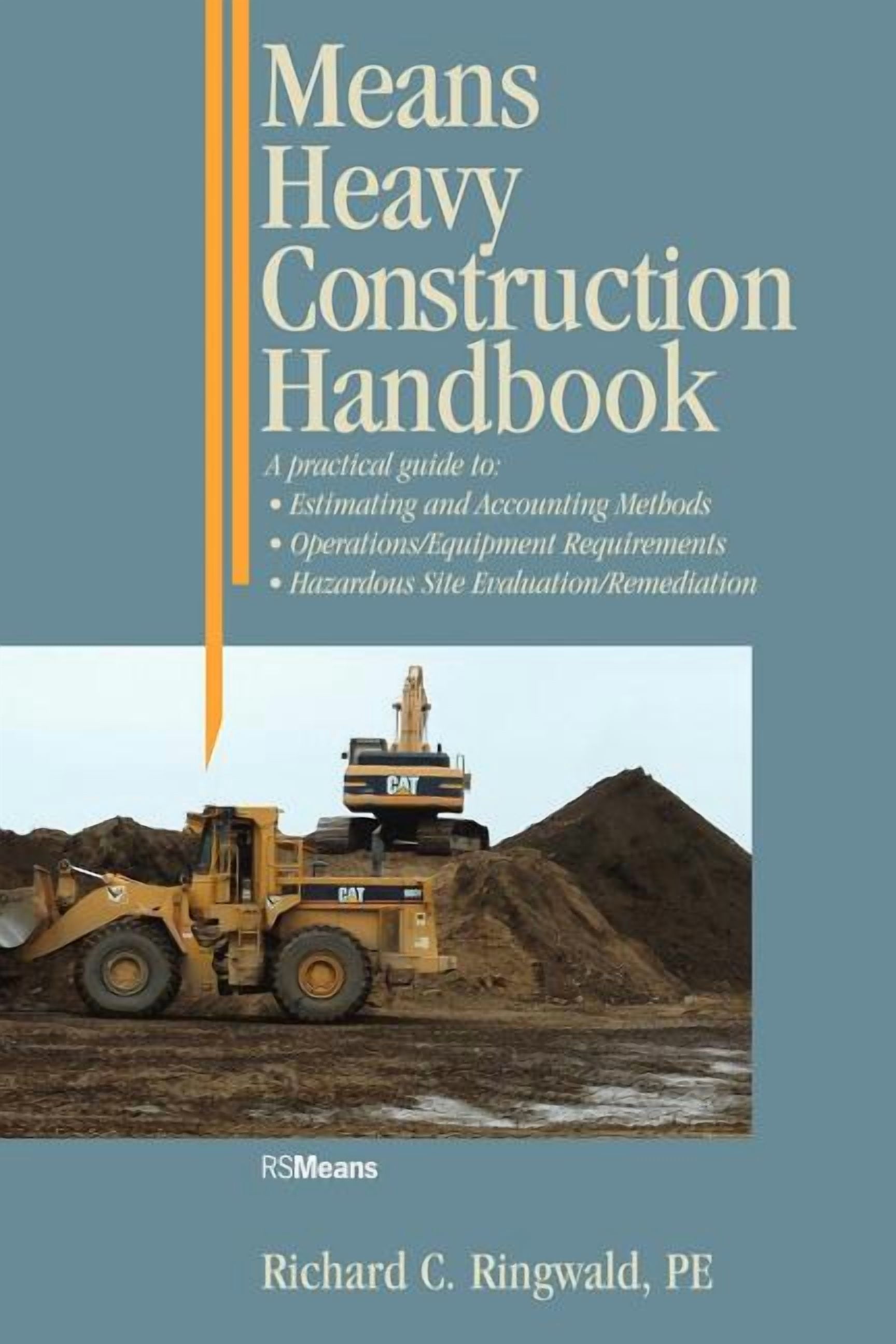
In the construction industry, tools like RSMeans provide valuable data and cost estimates. These resources help professionals make informed decisions and plan projects effectively. RSMeans, for example, offers cost databases and escalation tools to account for potential price changes. It's a useful resource for contractors and estimators.
Wrapping Up
So, there you have it! Names for construction might seem like a simple phrase, but it covers a lot of ground. From naming your business to understanding the industry and its costs, there's a lot to consider. I hope this has given you some insights and inspired you to explore further. Remember, the construction industry is full of opportunities, and a great name can be your first step towards success.
Related: How to apply the excel multiply formula for totals?
The excel multiply formula is the basic way to multiply numbers in Excel. This post shows how to use it for single cells, ranges, and simple constants.
You can apply it to multiply a column by a constant or combine it with IF for conditional calculations. If your workbook uses different versions, the syntax stays the same, though some newer functions may be available. Try the shortcut Ctrl+Shift+U to see the formula in action.
Multiply Cells, Ranges, and Constants with the excel multiply formula (asterisk operator usage)
The excel multiply formula lets you multiply a single cell, a range, or a constant using the asterisk () operator. It works the same in all Excel versions and updates instantly after pressing Enter.
To multiply a column, type the formula in the top cell and drag the fill handle down. For large ranges, a dynamic array formula can avoid manual dragging.
Combine the formula with IF for conditional multiplication, e.g., =IF(A2>10, A22, A21). In older Excel, press Ctrl+Shift+U to view the formula in the formula bar.
Requirements Before Using the excel multiply formula (apply to column)
Before you start, ensure your Excel version supports the features you need. Excel for Microsoft 365 and Excel 2019 include the full set of array functions.
All cells should contain numeric values; text will cause a #VALUE! error. If a cell might be blank, wrap the multiplication in IF to provide a default value.
Basic multiplication needs no special subscription. For newer functions like MUL, a Microsoft 365 subscription is required; check workbook trust settings if security prompts appear.
Step-by-Step Guide to Multiply a Column by a Constant
Follow these steps to multiply a column by a constant using the basic formula. The method works across Excel for Windows, Mac, and the web with minor UI differences.
- Select the column you want to multiply by clicking the column header.
- In the first cell of the column, type the constant followed by an asterisk and then the first cell reference, such as =5A2.
- Press Enter to calculate the result, then click the fill handle and drag down to copy the formula.
- For a dynamic array, use =MUL(A2:A100, 3) in Microsoft 365 or enter the array formula with Ctrl+Shift+U in older Excel.
You can also combine the excel multiply formula with IF for conditional results, e.g., =IF(A2>10, A22, A21). Ensure each part returns a number to avoid #VALUE! errors.
In older Excel, press Ctrl+Shift+U after typing the array formula to enclose it in braces. This tells Excel to treat the formula as an array operation.
Common Reasons the excel multiply formula Returns #VALUE! (zero value handling)
The #VALUE! error often appears when Excel cannot perform the multiplication because of incompatible data types. Checking the cells involved is the first step to resolve the issue. A quick way to test is to use ISNUMBER on each operand; if it returns FALSE, the cell likely contains text.
Another common cause is referencing a blank cell without a default value. Blank cells are treated as zero, which can be acceptable, but sometimes you want a specific result instead. Wrapping the multiplication in IF with a condition such as =IF(A2="",0,A2B2) avoids unexpected zeros.
- A cell contains text instead of a number.
- The formula references a blank cell, resulting in zero.
- An array formula was entered without using Ctrl+Shift+U in older Excel.
- Circular reference prevents calculation.
- Using a range that includes a header label that is text.
If the error persists after checking the cells, try saving the workbook and reopening Excel to clear any cached formula issues.
To fix the issue, convert text to numbers using Data > Text to Columns or by adding 0 to the cell, and ensure array formulas are entered with the proper shortcut. After correction, re-enter the formula and verify the result updates correctly.
Use a Dynamic Array Formula to Multiply Entire Ranges (dynamic array formula)
When you need to multiply a whole range without dragging, a dynamic array formula provides a cleaner solution. In Microsoft 365, you can use =MUL(A2:A100, 3) to multiply each element of the range by 3 and spill the results automatically. This approach eliminates the need to copy the formula manually and reduces the chance of misalignment.
If you prefer a formula that automatically expands, consider using the newer excel multiply formula with array handling, such as =MUL(A2:A100, 3). Make sure your Excel version supports the MUL function; otherwise, use the traditional =A2:A1003 array formula entered with Ctrl+Shift+U. Both methods produce the same result but differ in syntax and availability.
Another quick method is to use Paste Special to multiply a selection of cells by a constant without writing a formula. Copy the constant to the clipboard, select the range, right-click and choose Paste Special > Multiply, then OK. This technique is useful for one‑off calculations and avoids formula errors entirely.
Menus can look a bit different depending on your Excel version, but the core steps stay the same. If you’d like more Office tips, feel free to explore the other how‑to articles.
Next time you need to multiply a column, bookmark this page so you can get back to it quickly.